
CarPlay Not Working? A Complete Troubleshooting Guide
Work through every common CarPlay failure in the right order, from a dead cable to a stubborn wireless handshake, and get your dashboard back.
Read guide
In-car connectivity, decoded
Clear, tested walkthroughs for the connection that keeps dropping, plus honest buying advice on wireless adapters, portable screens and aftermarket stereos.
Explore by topic
Six focused hubs covering the two things drivers actually search for: making the connection behave, and choosing gear that lasts.
 20 guides
Step-by-step fixes for CarPlay and Android Auto connection problems.
 20 guides
Buying and setup guides for wireless CarPlay and Android Auto adapters.
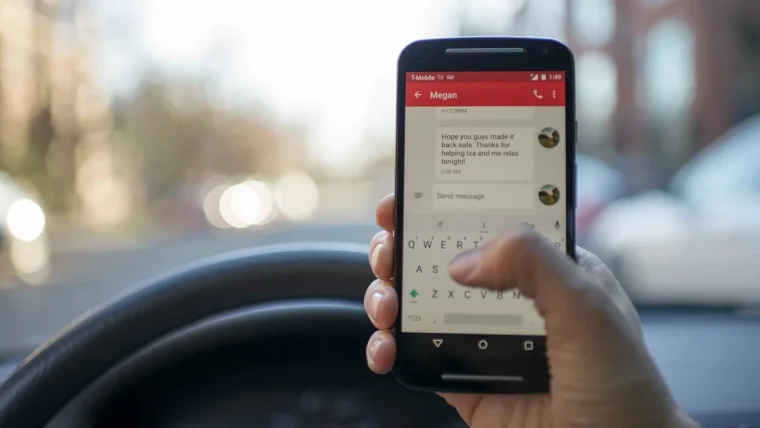 20 guides
Everything about portable and add-on CarPlay screens for any car.
 20 guides
Choosing and fitting aftermarket stereos with CarPlay for older cars.
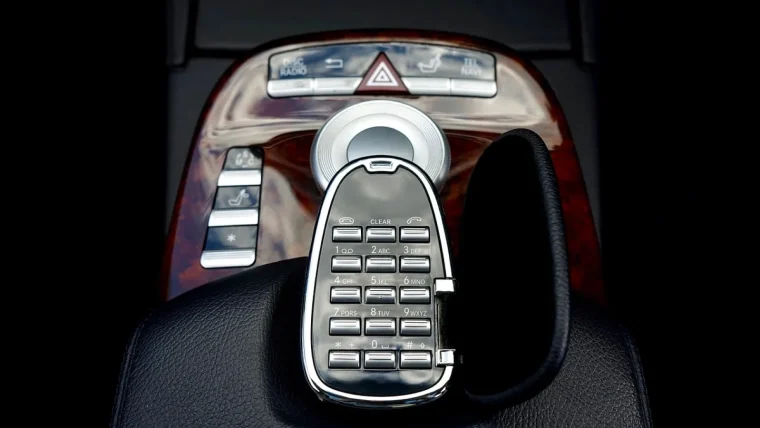 20 guides
Pairing, cables, settings and first-time setup for CarPlay and Android Auto.
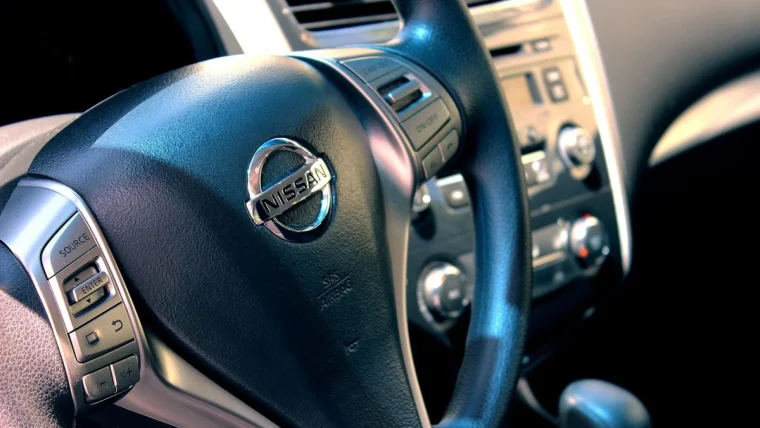 20 guides
Comparisons, cost breakdowns and buying advice for in-car connectivity.
Editor’s picks
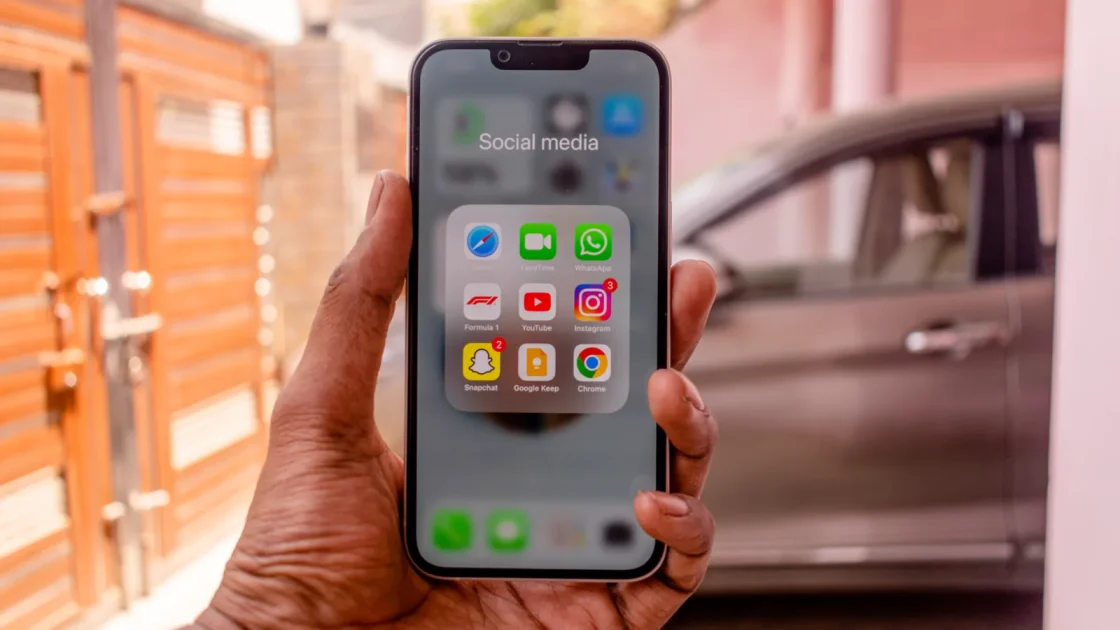
A hands-on comparison of the two big phone-mirroring systems, so you can pick the one that actually fits your phone and your driving.
Read the guideWork through every common CarPlay failure in the right order, from a dead cable to a stubborn wireless handshake, and get your dashboard back.
Read guideEverything you need to pick, power, mount and actually enjoy an add-on CarPlay display in a car that never shipped with one.
Read guideA plain look at what those little dongles actually touch, what they do not, and how to keep your data yours.
Read guideFresh off the bench
Your new stereo is dark, rebooting, or silent. Here is how to track down the fault and get it running the way it should.
Read guideYour phone gets hot and drains fast on long CarPlay drives. Here is what causes it and the fixes that actually keep it cool.
Read guideA plain-spoken walkthrough for getting your favorite phone apps to show up on the CarPlay screen, and what to do when one refuses.
Read guideWhy some portable CarPlay displays feel sluggish under your finger, and the handful of things actually worth checking.
Read guideThe jargon around in-car connectivity, explained the way a friend who has actually wired up a dozen dashboards would say it.
Read guideMake CarPlay launch on its own every time you get in the car, without tapping a single button on the screen.
Read guide
Why trust CarPlay Wise
Every fix and recommendation here comes from real dashboards, real phones and a lot of trial and error. If a cable, adapter or setting does not hold up in daily driving, it does not make the cut.
Quick answers
Most drop-outs trace back to three things: a weak Bluetooth handshake, 2.4GHz Wi-Fi interference, or an aging phone battery-saver setting that suspends background connections. Our Fixes hub walks through each one in order, starting with the fastest checks.
Yes. You have two practical routes: a portable CarPlay screen that mounts on the dash, or an aftermarket head unit that replaces the factory stereo. We compare both, including rough costs and what fits a typical older vehicle.
For audio and navigation the difference is tiny. Wired still wins on charging and on the very fastest app launches, while wireless wins on convenience. Our buying guides explain when each one is the better pick.
The software is free and built into most phones. You only pay for hardware, such as a wireless adapter or a new stereo, if your car does not already support the connection you want.
If your car already has wired CarPlay or Android Auto through a USB port, a good adapter will almost certainly work. If your car has neither, you need a screen or head unit instead. Check our compatibility notes before buying.