Getting Sound From a Portable CarPlay Screen
Your portable screen shows the map fine, but the audio has to go somewhere. Here is how FM, AUX and Bluetooth each get you there.

Key takeaways
- Most portable CarPlay screens have no speakers, so the audio has to reach your car stereo by FM, AUX cable or Bluetooth.
- A wired AUX cable gives the cleanest sound; FM is the fallback when your car has no AUX or Bluetooth input.
- Bluetooth from the screen to the stereo is convenient but adds a second pairing that can cause echo or lag if set up wrong.
- Match the method to your car's inputs first, then fine-tune volume levels on both the screen and the head unit.
You clamp the new screen to the dash, plug it in, and CarPlay lights up on the first try. The map looks sharp. Then you tap a song and hear… nothing. Or worse, a thin hiss with your music buried underneath it.
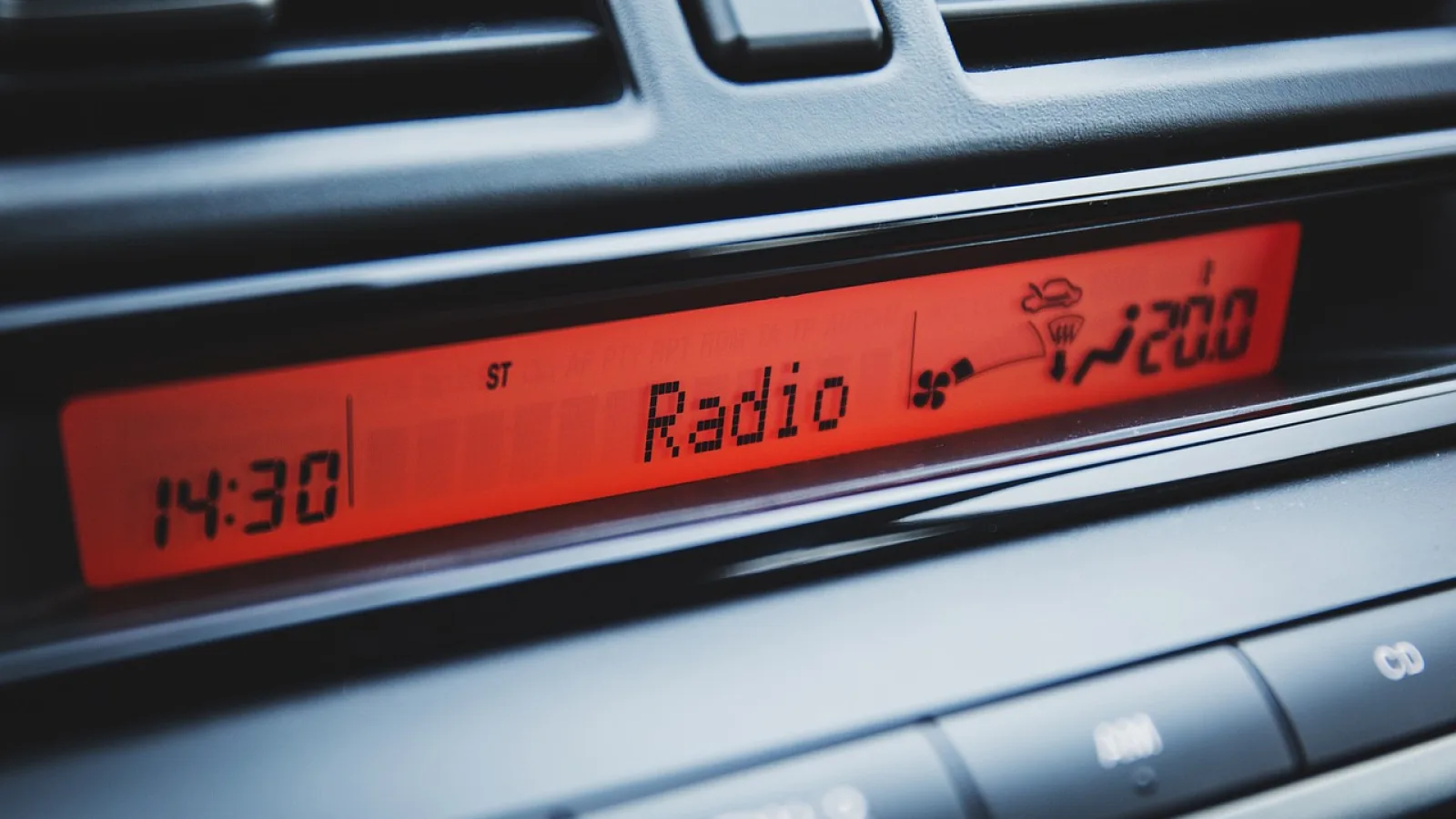
This trips up almost everyone the first week. A portable CarPlay screen is basically a small display with a brain inside. It runs the CarPlay interface beautifully, but most of these units have no real speakers of their own, or only a tinny mono buzzer meant for turn-by-turn prompts. The actual music and call audio still has to travel to your car’s stereo somehow.
There are three ways to make that trip: FM transmitter, a wired AUX cable, or Bluetooth. Each one sounds different, sets up differently, and fits a different kind of car. Let me walk you through all three the way I would if we were standing next to your car with the doors open.
Why the screen can’t just play sound on its own
When I was still installing head units for a living, the whole point of a stereo was the amp and the door speakers behind it. A portable screen skips all of that. It is a controller, not a sound system.
So the job is routing. The screen decodes your Spotify or Apple Maps voice, then hands that audio signal off to your existing car speakers. The three methods below are just three different pipes for that hand-off. Pick the pipe your car actually supports, and you are most of the way done.
Good to know
A few larger portable units do include a small built-in speaker. It is fine for a quiet voice prompt, but nobody enjoys music through it. Even on those models you will want to route sound to the car speakers for anything more than directions.
The AUX cable: cleanest sound, one small catch
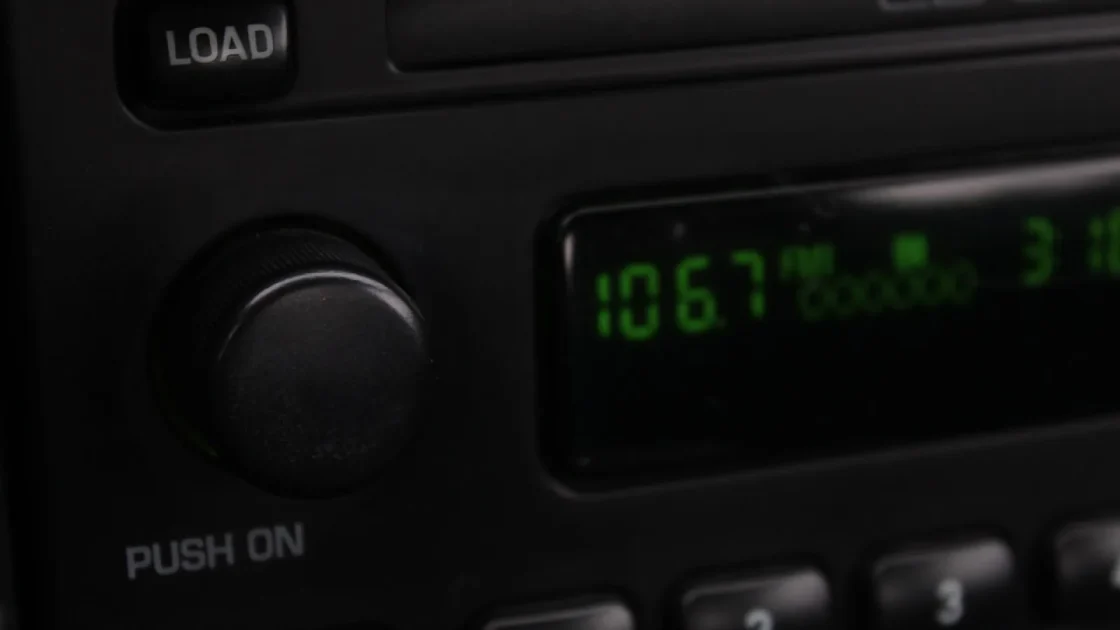
If your car has a 3.5mm AUX input, usually on the dash or in the center console, start here. A wired connection carries the full audio signal with no compression and no radio static. It is the closest thing to plugging headphones straight into a good source.
You run a short 3.5mm cable from the screen’s audio-out jack to the car’s AUX-in. Then you set the car stereo to its AUX or Line-In source. That’s it. On most units the sound is instant and clean, and you can crank it without the hiss you get from FM.
The one catch: not every portable screen has an analog audio-out jack. Cheaper models drop it to save a few dollars and assume you will use Bluetooth. Check the port list before you buy if AUX matters to you. I have seen people order a slick-looking unit only to find there is no headphone-style jack anywhere on it.
Pro tip
Buy a cable with slim, right-angle connectors. A fat straight plug sticking out of a dash jack gets bumped constantly and eventually loosens the port. A low-profile right-angle plug tucks flat and lasts years.
FM transmitter: the fallback for older cars
Plenty of cars built before roughly 2010 have no AUX and no Bluetooth. Just an FM radio. That is exactly what the FM transmitter option is for, and a lot of portable CarPlay screens build one in.
Here is how it works. The screen broadcasts your audio on a tiny, very short-range FM signal. You tune your car radio to the same empty frequency, say 88.1 FM, and the music comes through your speakers as if it were a radio station.
It is genuinely handy for an older Honda or a work truck with a bare-bones stereo. But be honest with yourself about the quality. FM audio is compressed and picks up interference, so bass sounds thinner and you may hear faint static in quiet passages. In crowded cities where every frequency is taken, finding a truly empty channel can be a hunt.
Watch out
If you start hearing a real radio station bleeding into your music, your chosen frequency is no longer empty. Scan for a fresh dead spot on the dial and re-set the transmitter to match. This happens most on long drives when you pass into a new broadcast area.
Bluetooth to the stereo: convenient, with a setup quirk
If your car stereo already does Bluetooth for phone calls, your portable screen can usually pair to it and pipe audio across wirelessly. No cables, no radio tuning.
This is where people get tangled up, so slow down here. Your phone connects to the screen for CarPlay, and then the screen connects to the car stereo over Bluetooth. That is two separate Bluetooth links doing two separate jobs. The phone-to-screen link runs CarPlay. The screen-to-stereo link carries the sound.
The classic mistake is leaving your phone also paired directly to the car stereo from before you had the screen. Now the audio has two paths and you get echo, doubled voice prompts, or music that jumps between sources. Go into your phone’s Bluetooth settings and forget the car stereo, so the phone only ever talks to the screen.
Nine times out of ten, when someone tells me their new screen has an echo, the fix is deleting one leftover Bluetooth pairing on the phone.
Which method fits your car
Here is the quick way to decide. Look at what audio inputs your car already has, then work down the list.
| Method | Sound quality | Best for | Main downside |
|---|---|---|---|
| AUX cable | Best, no compression | Cars with a 3.5mm input jack | A visible cable; screen needs an audio-out jack |
| Bluetooth | Very good | Cars with stereo Bluetooth already | Extra pairing to manage; slight lag possible |
| FM transmitter | Fair, some static | Older cars with only an FM radio | Interference and finding an empty frequency |
The order I follow: AUX if the jack exists, Bluetooth if the stereo supports it, and FM only when the car has neither. That ranking holds for almost every install I have done.
Setting your volume levels the right way
Whichever method you pick, you now have two volume controls in the chain: the one on the portable screen and the one on your car stereo. Get the balance wrong and you either strain to hear anything or you get crackly distortion.
Set the screen’s own output near its maximum, around 80 to 90 percent, then use the car stereo’s knob as your main volume. This gives you a strong, clean signal going into the stereo without the digital clipping you hear when the screen is turned all the way up and starts distorting the signal.
For FM specifically, if it sounds weak, nudge the car radio up rather than the transmitter. Pushing the transmitter too hard just adds fuzz.
- Confirm what audio inputs your car actually has: AUX jack, Bluetooth, or FM only
- Check the screen has the matching output before you buy (an audio-out jack for AUX)
- Forget any old direct phone-to-stereo Bluetooth pairing to avoid echo
- Set the screen output to about 85 percent, then control volume from the stereo
- Keep a slim right-angle AUX cable on hand as a reliable backup
When the sound still isn’t right
A couple of common gremlins come up again and again, and both are easy to chase down.
Delay between video and voice
Over Bluetooth you may notice the map voice lags a half-second behind the screen. That is normal Bluetooth latency and it rarely matters for navigation. If it bugs you, switch to the AUX cable, which has no delay at all.
Sound cuts out on calls
If music plays fine but phone calls drop or sound one-sided, the call audio is trying to route back through your phone instead of the screen. Restart the CarPlay session by unplugging the phone from the screen and reconnecting. Apple keeps handy notes on connection behavior in the Apple CarPlay support pages if you want to dig deeper. Android users can find the equivalent at Android Auto help.
Quick note
A good AUX cable runs $8 to $15 and outlasts the cheap one bundled in the box. If audio quality matters to you at all, that is the single best small upgrade you can make to a portable setup.
Your next move
Walk out to your car right now and look at the stereo. Is there a 3.5mm jack anywhere on the dash or console? Does the radio show a Bluetooth symbol? That two-minute check decides everything.
If you have an AUX jack, grab a slim right-angle cable and you will have the best sound with almost no fuss. No jack but Bluetooth on the stereo? Pair the screen, forget the old phone pairing, and you are set. Nothing but an FM radio? The built-in transmitter will get you there, just keep your expectations tuned to “good enough” rather than audiophile.
Sort the audio path first, dial in those two volume levels, and the portable carplay screen sound problem stops being a problem. Then you can go back to enjoying the part that made you buy the screen in the first place: a clear map and your music, right where you want them.
Frequently asked questions
Most do not, or they include only a tiny mono speaker meant for navigation voice prompts. The music, calls and app audio are designed to travel to your car's existing stereo speakers. That is why you need to set up an FM, AUX or Bluetooth audio path when you install the screen.
A wired AUX cable sounds best because it carries the full audio signal with no compression and no lag. Bluetooth is very close in quality and more convenient, but it can add a slight delay and needs an extra pairing. Use AUX if your car has the jack, and Bluetooth if it does not.
An echo almost always means your phone is still paired directly to the car stereo from before you added the screen. The audio then reaches the speakers by two paths at once. Open your phone's Bluetooth settings and forget the car stereo so the phone only connects to the screen.
Yes. Look for a portable screen with a built-in FM transmitter. It broadcasts your audio on a short-range FM signal, and you tune your car radio to a matching empty frequency to hear it. The quality is only fair, but it works in older cars that have nothing but a radio.
Distortion usually comes from cranking the screen's own output to maximum. Set the screen's volume to roughly 85 percent and use the car stereo's knob as your main control. That sends a strong, clean signal to the stereo without the digital clipping you get at full volume.
Keep reading
Related guides
Adding a Reverse Camera to a Portable CarPlay Screen
A hands-on walkthrough for wiring a backup camera into a portable CarPlay display so it flips to the camera view when you shift into reverse.
Read guide
Portable CarPlay Screen vs a Simple Phone Mount
A phone clamp costs $20 and works today. A portable screen costs a lot more. Here is how to tell which one actually fits your car and your habits.
Read guide
Portable CarPlay Screen Glare and Night Visibility
Practical fixes for a washed-out portable CarPlay display in bright sun and a blinding one after dark.
Read guide