CarPlay vs Android Auto: Which Is Better for You?
A hands-on comparison of the two big phone-mirroring systems, so you can pick the one that actually fits your phone and your driving.

Key takeaways
- Your phone decides for you: iPhones run CarPlay, Android phones run Android Auto. That single fact settles most of the debate.
- Both put maps, music, calls and messages on your dash and let you talk to them instead of tapping. The daily experience is more alike than different.
- Android Auto gives you more freedom to customize and a stronger Google Assistant. CarPlay feels tidier and more consistent across cars.
- Wireless works well on both now, but it needs the right head unit or a small adapter and drains your battery faster than a cable.
Picture two friends carpooling to the same job. One plugs in an iPhone, the other an Android phone, and the same car dash lights up looking slightly different each morning. They argue about which is better the whole drive. Neither is wrong, and that is the honest starting point here.
The truth most comparisons skip is simple. You almost never get to pick between these two. Your phone picks for you.
Still, it helps to know what each one does well and where it annoys you, whether you are shopping for a new car, thinking about switching phones, or just curious why your buddy’s screen looks different. I have installed and lived with both across dozens of cars, so let me walk you through what actually matters day to day.
The one rule that settles most of the argument
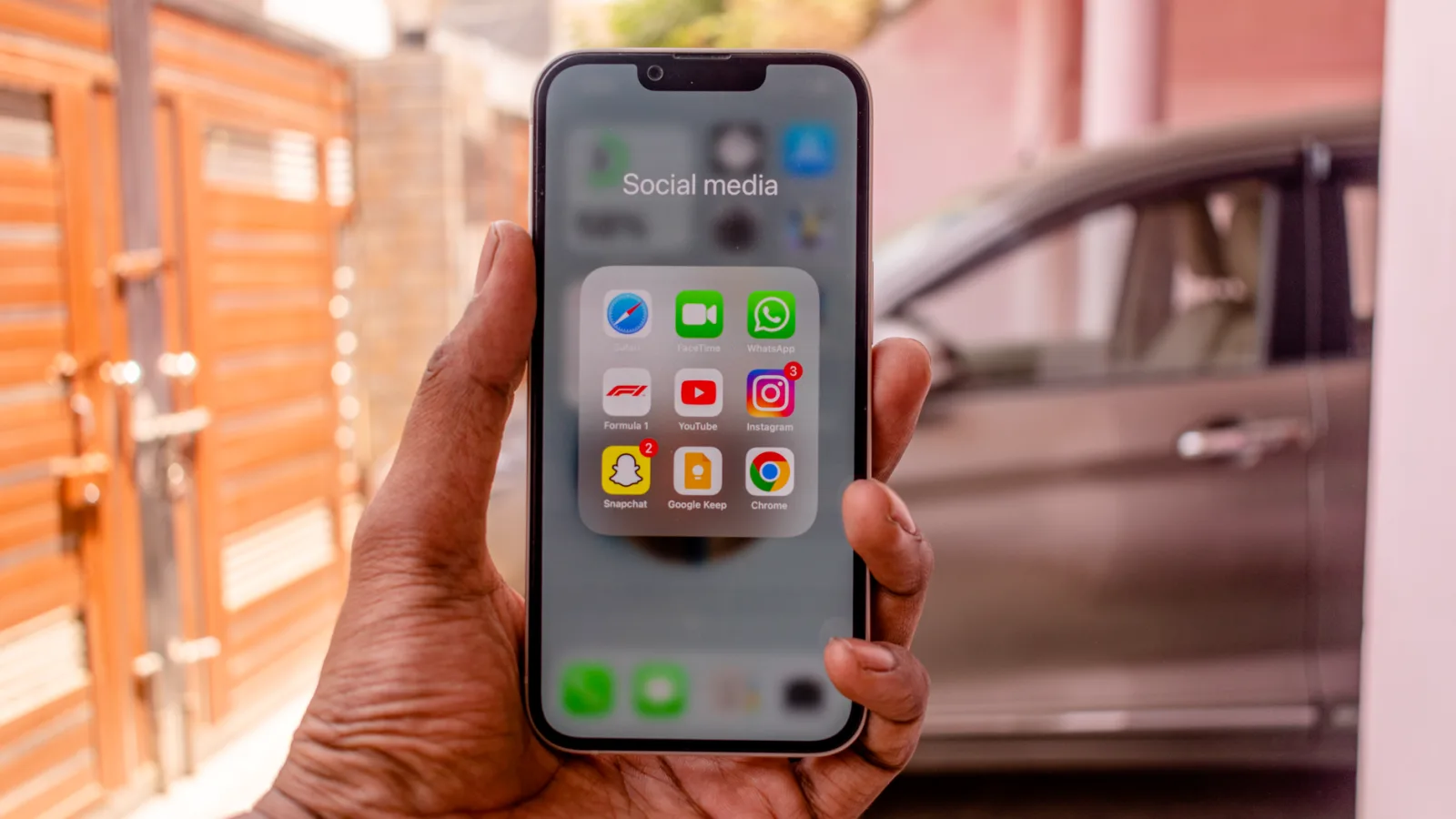
Here is the part that saves you an hour of reading. CarPlay is Apple’s system and runs only from an iPhone. Android Auto is Google’s system and runs only from an Android phone.
There is no cross-over. You cannot put an Android phone into CarPlay or an iPhone into Android Auto. So if you own an iPhone 15 and a Samsung Galaxy sits in the drawer, your car will show CarPlay whenever the iPhone is connected, full stop.
That means the real question for most people is not which system wins. It is which phone you already carry, and whether either system is a reason to switch. For the vast majority, the answer is to keep the phone you like and enjoy whichever screen comes with it.
Good to know
A single car can support both. The head unit detects which phone you plugged in and loads the matching system. Families with mixed phones share one dash with zero fuss.
Maps and navigation, where people feel the biggest gap
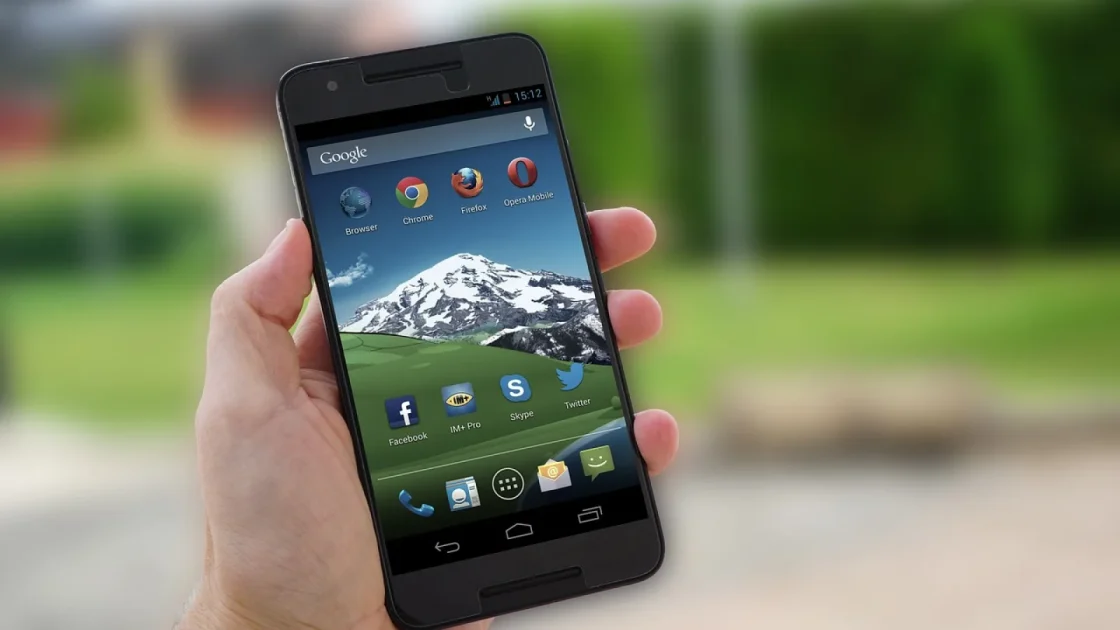
This is the category folks care about most, and it is where the two feel genuinely different.
Android Auto leans on Google Maps and Waze, both baked into the same ecosystem Google has spent 20 years building. Lane guidance, live traffic, speed-trap reports through Waze, and business hours all feel a step ahead. If you drive somewhere new every week, this is a real advantage.
CarPlay defaults to Apple Maps, which has improved a lot since its rough 2012 launch and is genuinely good in major cities now. The nice thing is you are not locked in. You can install Google Maps and Waze on your iPhone and run either one right on the CarPlay screen. I do exactly that in my own truck.
So the maps gap is smaller than it looks. Android Auto gives you Google’s tools by default; CarPlay lets you add them in about two minutes.
Pro tip
Whichever system you use, set your preferred maps app as the default before a long trip. On CarPlay you do this in iPhone Settings, and it saves you tapping past Apple Maps every single drive.
Talking to your car: Siri versus Google Assistant
Both let you keep your hands on the wheel and your eyes on the road, which is the whole point. You say a command, it does the thing.
Google Assistant is the stronger voice helper. It understands messy, natural phrasing better, pulls answers from Google’s search brain, and handles follow-up questions more gracefully. Ask it something oddly worded and it usually still gets it.
Siri on CarPlay is perfectly capable for the common stuff: play a playlist, send a text, start navigation, add a reminder. It stumbles more on unusual requests. If you lean hard on voice for everything, Android Auto has the edge here.
The best voice command is the one you never have to repeat. On that test, Google Assistant wins more mornings than it loses, but Siri closed the gap a lot in recent updates.
Look, feel and how much you can change
The two systems have different personalities. One is a neat freak; the other likes options.
CarPlay looks the same in a Honda as it does in a BMW. Apple keeps tight control over the layout, so the icons, the dark theme and the split-screen dashboard feel identical car to car. That consistency is comforting. You rent a car on vacation, plug in, and everything is right where you expect.
Android Auto gives you more room to fiddle. You can rearrange things, set a custom wallpaper, and pick from more third-party apps. It also plays nicer with non-Google apps in general. If you like tweaking, you will feel more at home.
Neither approach is better for everyone. Some drivers want zero decisions; others want their dash to feel like theirs.
App selection in plain terms
Both cover the big names: Spotify, Apple Music, Amazon Music, Audible, podcasts, WhatsApp, and the major maps. Android Auto tends to allow a slightly wider mix of apps because Google’s rules are looser than Apple’s. For 95 percent of drivers, the apps you actually use are on both.
Wireless versus the trusty cable
A few years ago this section would say “use a cable.” Not anymore. Wireless CarPlay and wireless Android Auto both work well when the car supports them.
The catch is that not every head unit does. Many cars from before roughly 2020 only offer the wired version, meaning you plug a USB cable in every time. Newer cars and higher trims added wireless, and it is spreading fast.
If your car is wired-only but you want to go wireless, a small adapter (usually $50 to $120) plugs into the USB port and beams the connection to your phone. I keep one in a rental-heavy family car and it is worth every dollar for skipping the daily plug-in.
| What matters | CarPlay | Android Auto |
|---|---|---|
| Works with | iPhone only | Android phone only |
| Default maps | Apple Maps (add Google/Waze) | Google Maps and Waze |
| Voice helper | Siri | Google Assistant |
| Customizing | Limited, very consistent | More flexible |
| Wireless | Yes, if car or adapter supports it | Yes, if car or adapter supports it |
Watch out
Wireless drains your phone faster because it runs Wi-Fi and Bluetooth the whole trip. On drives over an hour, keep a charge cable handy or your battery may be low by the time you park.
Which cars support what
Both systems are now near-universal on new cars. As of 2026, the huge majority of new models from Toyota, Honda, Ford, Hyundai, Kia, Subaru and most others ship with both. A handful of automakers have started building their own Google-based systems instead, so always confirm on the exact trim before you buy.
For older cars, an aftermarket head unit from a brand like Pioneer, Kenwood or Sony adds either system, usually for $250 to $700 installed. That is the classic upgrade path and it works beautifully.
You can read the official rundowns straight from the source at Apple’s CarPlay page and Google’s Android Auto page if you want the full app lists and car-support details.
A quick checklist before you decide
Run through these and the choice usually makes itself.
- Which phone do you own and plan to keep? That is your answer 90 percent of the time.
- Do you rely heavily on Google Maps or Waze? Android Auto has them by default; CarPlay needs a two-minute install.
- Do you talk to your car a lot? Google Assistant is the stronger voice helper.
- Do you want your dash to look the same in every car? CarPlay is more consistent.
- Does your car (or a $50 to $120 adapter) support wireless, and do you care?
So what should you actually do
Keep your phone. That is the real advice hiding under all the specs.
If you love your iPhone, CarPlay is a great daily companion, and adding Google Maps to it closes the one gap that used to matter. If you carry an Android phone, Android Auto gives you Google’s excellent maps and voice out of the box plus more room to make it yours.
Neither system will make you regret the phone you own. Both turn a plain dashboard into something safer and far less distracting, which is what you really bought a smart dash for. Plug in, try each one for a week if you ever get the chance, and trust the one that fades into the background while you just drive.
Frequently asked questions
No. CarPlay is Apple's system and only runs from an iPhone. An Android phone will trigger Android Auto instead, assuming your car or head unit supports it. There is no way to mix the two.
They are about equal on safety. Both are designed to keep your eyes forward with large touch targets and strong voice control. The safest habit is setting up your route and playlist before you pull out, then using voice for anything mid-drive.
No. Both systems are free and built into the phone software you already own. You only pay for the car or head unit that supports them, and optionally a wireless adapter if you want to skip the cable.
Yes, as long as your car supports both, which most modern ones do. The head unit detects whichever phone you plug in and loads the matching system automatically. No settings to change between drivers.
They are very close since both stream maps, music and traffic from the same kinds of apps. Your data use depends far more on how much you stream music and re-route navigation than on which system you run. Downloading maps and playlists ahead of time cuts data on either one.
Keep reading
Related guides

How Much Data Does CarPlay Use?
A plain-spoken breakdown of what maps, music and calls actually pull through your phone when CarPlay is running.
Read guide
Android Auto Coolwalk Dashboard, Explained
What the Coolwalk redesign changed on your car screen, why it looks different, and how to set it up so it actually works for you.
Read guide
Best Ways to Add CarPlay to a Truck or SUV
Four real upgrade paths for bigger rigs, from a $60 dongle to a full dash overhaul, with honest picks for each budget.
Read guide