CarPlay vs a Phone Mount: Which Is Smarter?
A $20 phone mount or a full CarPlay setup? Here is how to pick the one that actually fits your car, your budget, and your daily drive.

Key takeaways
- A phone mount costs $15 to $40 and works today; a full CarPlay setup runs $150 to $600 or more.
- CarPlay reads texts aloud and takes voice replies, which cuts down on the glances a mount can't stop.
- Older cars with no screen often get the most value from a portable CarPlay display or a new head unit.
- If your dash already has CarPlay built in, a mount is usually redundant.
Picture your morning drive. Your phone is riding in a cheap vent clip, Google Maps is squinting back at you from a 6-inch screen, and a text buzzes in right as you merge onto the highway. You glance down. Just for a second. That second is exactly the thing this whole decision is about.
So which is smarter for your car: a simple phone mount that costs less than a tank of gas, or a real CarPlay setup that puts everything on the dash? I have installed both in dozens of cars, from a beat-up 2008 Civic to a loaded pickup, and the honest answer depends on more than price.
Let me walk you through what each one actually gives you, where the money goes, and how to figure out which side of this makes sense for your situation.
What a phone mount really does (and doesn’t)
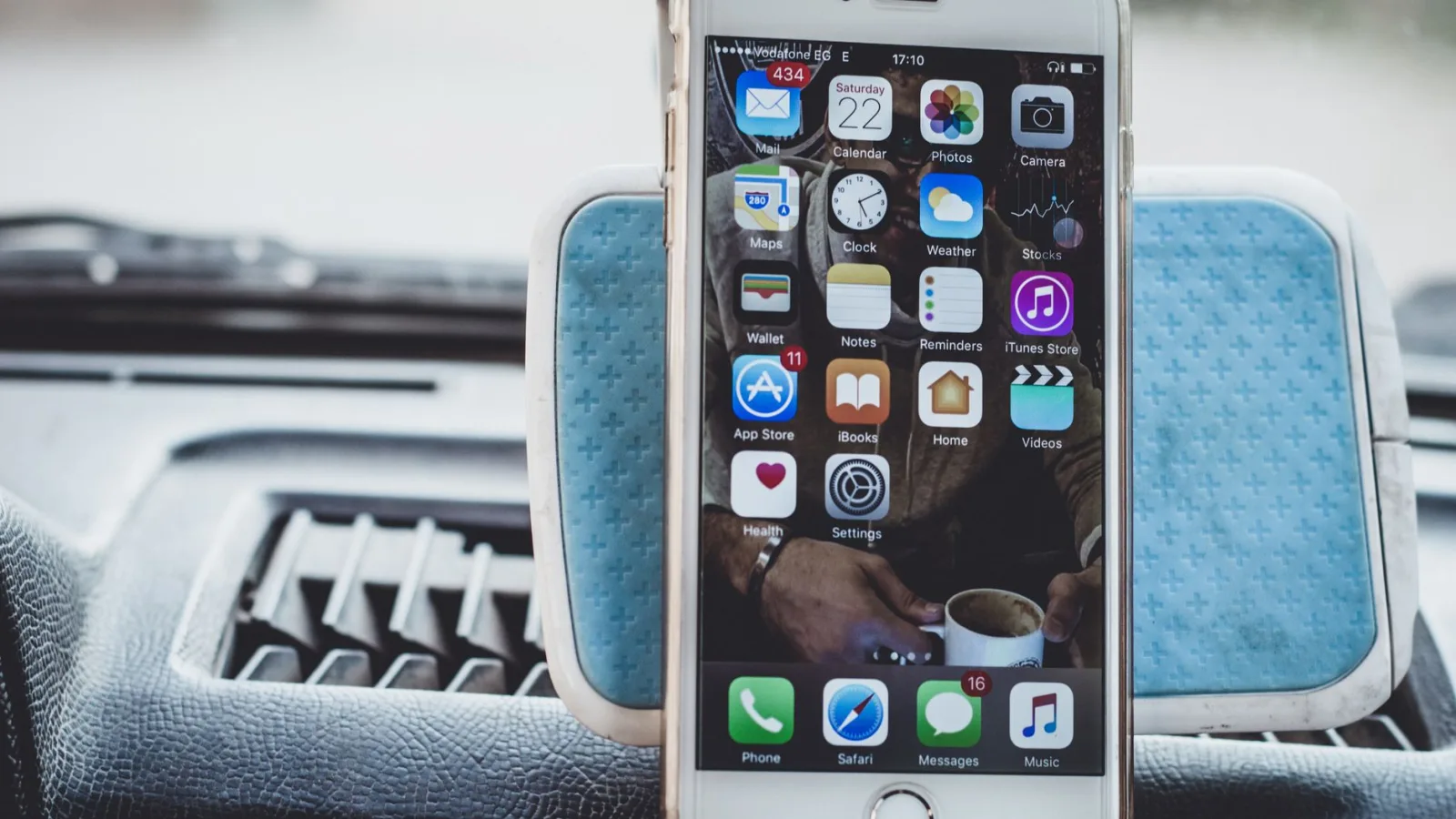
A phone mount is a holder. That’s it. It clips to a vent, sticks to your windshield, or grips a cup holder, and it keeps your phone upright and in your line of sight. The good ones run $15 to $40. Magnetic mounts and auto-clamping wireless chargers sit at the higher end.
What you get is your phone, exactly as it is. Same apps, same notifications, same tiny buttons. You still tap the screen. You still read texts with your own eyes. The mount solves one problem: your phone isn’t sliding around the passenger seat anymore.
That is not nothing. For a lot of people it is genuinely enough. But be clear about what a mount doesn’t do. It won’t read your messages out loud in a natural way. It won’t hand you a big, driver-focused interface. And it won’t stop you from picking the phone up at a red light to check something.
Good to know
A wireless charging mount is a nice middle ground. You get the holder plus a topped-off battery, usually for $30 to $50. It still isn’t CarPlay, but it removes the dead-battery excuse for grabbing your phone mid-drive.
What CarPlay adds on top of a screen

CarPlay takes your iPhone and mirrors a purpose-built driving interface onto a larger display, either your car’s built-in screen or a separate one you add. The apps are laid out for arm’s length viewing. The buttons are big. Siri does the heavy lifting so your hands stay on the wheel.
The real difference shows up with messages. A text comes in and CarPlay reads it aloud, then lets you dictate a reply without looking anywhere. Maps fill a 7 to 10 inch screen instead of a phone-sized one. Music, podcasts, and calls all live in one place you don’t have to hunt through.
If your car already has CarPlay built in, you tap into all of this for the price of a cable, or nothing at all if it runs wireless. You can read more about what it covers on Apple’s CarPlay page.
Android users get the same idea through Android Auto, and the comparison between those two platforms is a whole topic on its own. For this decision, treat them as roughly equal.
The money side, laid out plainly
Here is where the two really split. A mount is a one-time $15 to $40. CarPlay depends entirely on what your car already has.
| Your situation | What it costs | Effort |
|---|---|---|
| Phone mount, any car | $15 to $40 | 5 minutes, no tools |
| Car already has CarPlay | $0 to $20 (a cable) | Plug in, done |
| Wireless CarPlay adapter (wired car) | $60 to $120 | Plug into USB, pair once |
| Portable CarPlay screen | $100 to $250 | Mount it, run power |
| New head unit with install | $250 to $600+ | 1 to 3 hours, often a shop |
The gap is real. A mount is pocket change. A full aftermarket CarPlay screen with a shop install can cost as much as a used phone. If money is the only thing you care about, the mount wins before the conversation even starts.
But cost per year of use tells a different story. Spread a $300 head unit over five years of daily commuting and it works out to about a nickel a day. Framed that way, the price stops being the whole argument.
Pro tip
Before you spend anything on CarPlay hardware, check whether your car already supports it. A surprising number of 2016-and-newer models have it built in and the owner never turned it on. Free is hard to beat.
Safety: the part that actually matters
This is where I stop being neutral. A mount keeps your phone visible, and that beats holding it in your lap. Real improvement. But the phone is still running its normal interface, and small targets pull your eyes off the road.
CarPlay was built to reduce those glances. Bigger touch zones, voice-first replies, and read-aloud messages mean your eyes stay forward more of the time. I have watched drivers who swore they were fine with a mount visibly relax once texts started reading themselves aloud.
The safest phone in a car is the one you never have to pick up. CarPlay gets closer to that than any mount ever will.
Neither option makes you invincible. You can still fumble with either one. But if cutting down distraction is your goal, the gap between them is meaningful, not marketing.
Watch out
Windshield mounts can sit right in your sightline or block a corner of your view. In some states a windshield mount is flat-out illegal. A vent or dash mount keeps your eyes where they belong and keeps you out of a ticket.
Which fits your car, honestly
Your car makes this choice for you more than any spec sheet does. Run through the quick version below.
- Car already has a CarPlay screen? Skip the mount, plug in your phone.
- Newer car with a screen but no CarPlay? A $60 to $120 wireless adapter is the sweet spot.
- Older car, small factory radio? A portable screen or new head unit gives the biggest jump.
- Truly bare-bones beater you’ll sell soon? A $20 mount is the smart, low-risk pick.
- You mostly just need navigation and nothing else? A mount may genuinely be enough.
I put a portable CarPlay screen in a friend’s 2009 Corolla that never had so much as a color display. Cost him about $140. He said it made a decade-old car feel current, and he stopped touching his phone at lights almost overnight.
Compare that to another friend with a 2021 SUV that already had CarPlay. He’d been using a vent mount for two years without realizing the dash could do it all. Ten minutes and one cable later, the mount went in a drawer.
Where a mount still beats CarPlay
I don’t want to oversell the screen. There are real cases where the humble mount is the right call, and pretending otherwise would be dishonest.
Rental cars and shared vehicles are the obvious one. You’re not installing hardware in a car you give back next week. A pocket-sized magnetic mount travels with you and works everywhere.
Then there’s the minimalist driver. If you only ever glance at directions and take the occasional hands-free call through the phone itself, a mount covers you for $20. Spending $300 to solve a problem you don’t have makes no sense.
Motorcycles, older work trucks, and cars you’re about to sell all lean the same way. Match the spend to how long you’ll keep the car and how much you actually use it.
Making the call and what to do next
Strip it down and it comes to three questions. Does your car already have CarPlay? How much do you drive? And how much does cutting distraction matter to you?
If the dash already supports it, there’s no debate: use CarPlay and put the mount away. If you’ve got an older car and a real commute, a portable screen or head unit pays you back in comfort and fewer glances. If you rarely drive or you’re selling soon, grab a good mount and don’t overthink it.
Your next step is a two-minute check. Sit in your car, look at the screen, and search your model plus “CarPlay” to see if it’s built in. If it is, buy a cable. If it isn’t, decide whether an adapter, a portable screen, or a plain mount matches how you actually drive. For a fuller rundown of what the platform does, Apple’s support page is a solid place to poke around.
Whatever you land on, the goal is the same: your eyes forward, your hands on the wheel, and your phone doing its job without begging for your attention.
Frequently asked questions
Yes. A mount keeps your phone visible and upright instead of loose in your lap or on the seat, so you're not fishing for it while driving. It doesn't cut glances the way CarPlay does, but it's a clear step up from holding the phone by hand.
You can, and some people do. If your car has CarPlay, a mount is usually redundant since the dash already shows maps and reads texts. The main reason to keep a mount alongside CarPlay is wireless charging or wanting your phone screen in view for something CarPlay doesn't handle.
No. Cars from before CarPlay existed can get it through a portable screen, a new head unit, or in some cases an adapter. A 2009 model with no screen can run CarPlay for around $100 to $250. The car's age matters less than what display it has.
Only if your car already has wired CarPlay built in. A wireless adapter converts that wired connection to a wireless one for $60 to $120. It won't add CarPlay to a car that never had it, so check your dash first before buying one.
A phone mount takes about five minutes with no tools. Plugging into a car that already has CarPlay is instant. A wireless adapter takes a few minutes to pair, while a new head unit can run one to three hours and often needs a shop.
Keep reading
Related guides
The Cheapest Way to Add CarPlay to an Old Car
You do not need a new dash or a shop visit. Here is how to get CarPlay on an old car for the least money possible.
Read guide
Does CarPlay Work With Any Car?
The honest answer on which cars support CarPlay, which ones never will, and how to add it to almost anything.
Read guide
What Is Next-Generation CarPlay? A Clear Explainer
A plain look at the deeper, screen-spanning version of CarPlay Apple showed off, what it changes, and when you might actually see it.
Read guide