CarPlay Microphone and Call Quality Problems, Solved
The people on the other end of your calls sound fine, but they say you sound like you're in a tunnel. Here's how to fix that.

Key takeaways
- Most muffled CarPlay calls come from the car's built-in mic, not your phone, so the fix usually lives in the car settings.
- A lingering Bluetooth connection often hijacks the mic away from CarPlay, which makes you sound distant and echoey.
- Wind noise, phone cases blocking the mic port, and a dirty cabin mic are the quiet culprits people forget to check.
- If calls are bad only over cellular but fine on Siri, the problem is likely your carrier or phone, not CarPlay itself.
You’re driving, you take a call, and the first thing the other person says is: “You sound really far away.” You check your phone. Signal is full, the screen shows CarPlay running like normal, and your music sounded crystal clear two minutes ago. So what gives?
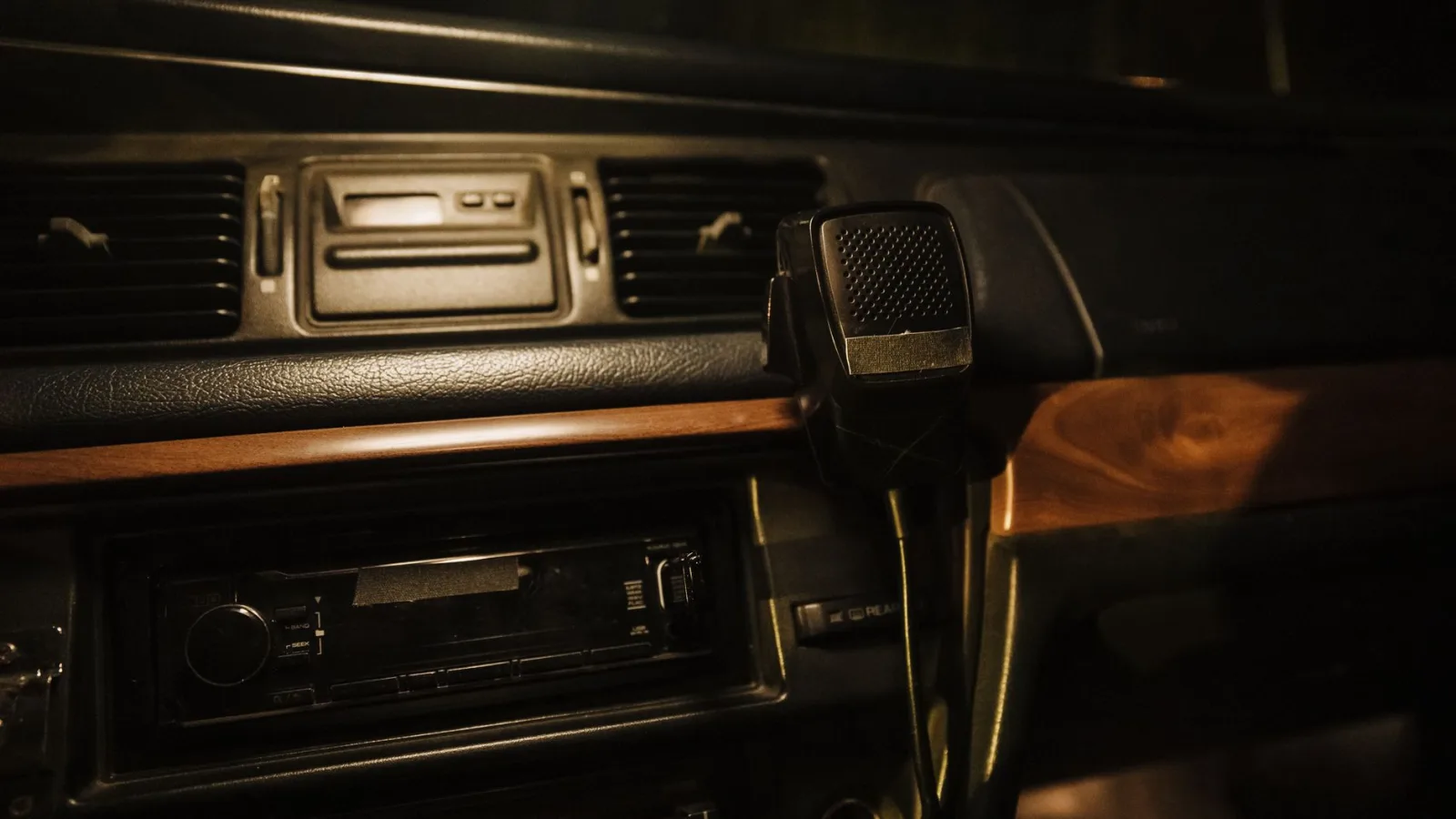
This one trips up a lot of people because the microphone in a CarPlay setup is almost never the one in your phone. It’s a tiny mic built into your car, usually tucked near the dome light or the steering column. When your calls sound muffled, thin, or full of echo, that little cabin mic is where the trouble usually starts.
I spent years pulling apart dashboards to install aftermarket gear, and mic complaints were some of the most common calls I got. Good news: most of them fix in under ten minutes without any tools. Let’s walk through the real causes and what actually works.
First, figure out which microphone is even in play
Before you change a single setting, you need to know what’s picking up your voice. When your phone is connected through CarPlay, calls route through the car’s built-in microphone, not the phone’s. That’s by design, so you can keep both hands on the wheel and still be heard.
Here’s a quick test that saves a lot of guessing. Make a short call to someone patient (a partner, a friend, voicemail even) and ask how you sound. Then unplug or disconnect CarPlay, call the same person on the phone directly, and compare.
If you sound great on the phone but muffled on CarPlay, the car’s mic or its settings are the issue. If you sound bad both ways, the problem follows your phone or your carrier, and no amount of CarPlay tinkering will fix it.
Pro tip
Do this test in a parked car with the engine off first. Road noise and a running engine muddy the results, and you want a clean baseline before you start blaming the wrong thing.
The Bluetooth ghost that steals your mic
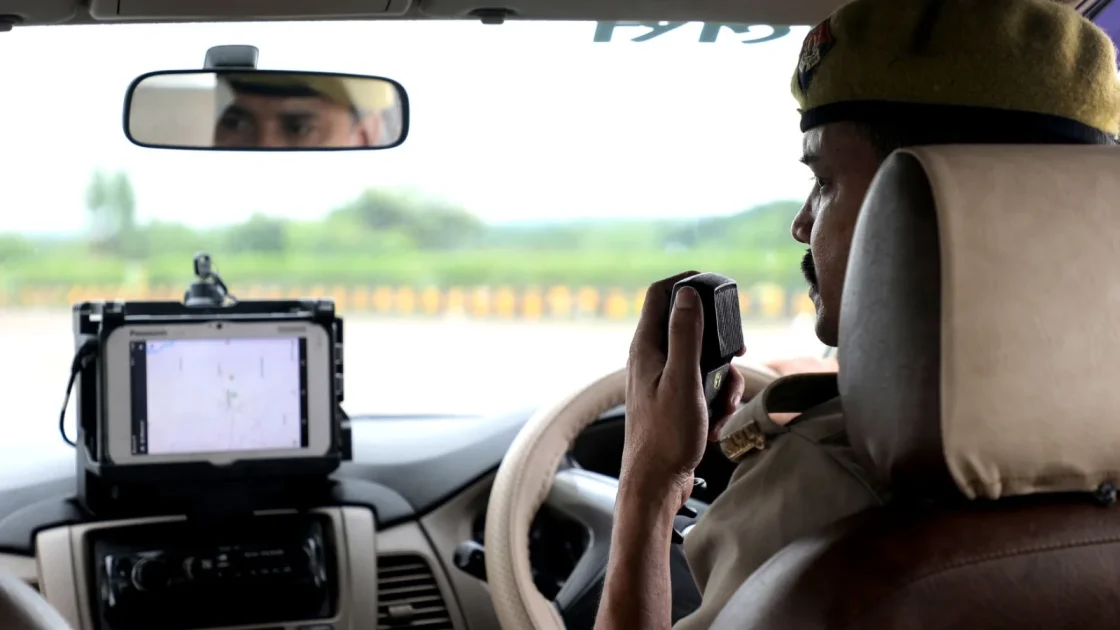
This is the single most common cause I ran into, and it fools almost everyone. Many cars pair with your phone over Bluetooth for phone calls separately from the CarPlay connection. When both are active, they fight over the microphone.
What happens is your voice gets routed through the old Bluetooth hands-free profile instead of the CarPlay audio path. That profile is lower quality on a lot of vehicles, especially anything built before 2019, so you come across compressed and distant.
The fix is to tell your car to stop using Bluetooth for phone audio when CarPlay is running. On most systems you go into the Bluetooth device list, find your phone, and turn off the phone or contacts permission while leaving CarPlay on.
On the iPhone side, open Settings, then General, then CarPlay, pick your car, and make sure the connection is clean. If you see your car listed twice, once as a CarPlay device and once as a plain Bluetooth device, that split is exactly the conflict causing your grief.
Watch out
Deleting the Bluetooth pairing entirely can also wipe your CarPlay setup on some cars, forcing a full re-pair. Turn off the phone-audio permission first and test before you nuke the whole connection.
Clean the mic and check what’s blocking it
Cabin microphones sit exposed for years, collecting dust, and I’ve pulled genuinely grimy ones out of ten-year-old sedans. A blocked or dusty mic sounds exactly like a muffled call.
Look up near your dome light, the sun visor area, or the top of the A-pillar for a tiny pinhole. That’s your mic. A quick puff of compressed air or a soft brush across it can bring back clarity you didn’t know you’d lost.
For wired CarPlay users, there’s a second suspect: your phone case. A thick case or a screen protector that wraps the edges can partially cover the phone’s own mic ports, which still matter for Siri pickup and some fallback routing. Pop the case off and test if you’re not sure.
- Located the pinhole cabin mic near the dome light or A-pillar
- Cleared dust with compressed air or a soft brush
- Removed any phone case blocking the mic ports
- Confirmed nothing is stuffed in the cupholder or visor near the mic
- Checked that a dash mat or aftermarket trim isn’t covering the mic hole
Cabin noise is doing more damage than you think
Modern mics use noise cancellation, but they can only do so much. If you drive with a window cracked, wind hits the mic directly and turns your voice into mush on the other end.
Road noise from worn tires, an open sunroof, or a loud HVAC fan all pile on. The mic tries to balance your voice against that background, and when the background wins, you drop out or sound underwater.
Roll the windows up, turn the fan down a notch during important calls, and see if it clears. It sounds almost too simple, but I’ve fixed more than a few “broken” mics just by closing a window.
Nine times out of ten, the customer swearing their mic was dead just had a window cracked and a fan on high. The mic was fine. The cabin was the problem.
Software fixes on the phone side
When hardware checks out, turn to software. A stale connection or an out-of-date system causes plenty of carplay microphone problems that look like hardware faults.
Start with the basics. Restart your phone, then unplug and replug the cable (or toggle wireless CarPlay off and on). This clears the audio routing table, which sometimes gets stuck sending your voice to the wrong place.
Next, check for a system update. Apple ships call-audio and CarPlay fixes fairly often, and Android users get the same on the Android Auto side. You can confirm what your phone supports through Apple’s official CarPlay support page if you want to rule out a known bug.
If you’re on Android Auto instead, the mic behaves the same way, routing through the car, and Google’s Android Auto help covers the equivalent steps for clearing the app cache and re-pairing.
Good to know
If Siri hears you perfectly but phone calls sound bad, that points away from the mic entirely. Siri and phone calls can use different audio paths, so a mismatch there usually means a carrier or cellular issue, not CarPlay.
Quick reference: symptom to likely cause
When you’re stuck, match what you’re hearing to the usual culprit. This table is roughly the order I’d check things in a driveway.
| What callers report | Most likely cause | First thing to try |
|---|---|---|
| Muffled, far away | Bluetooth stealing the mic | Turn off phone audio over Bluetooth |
| Echo or feedback | Speaker volume too high near mic | Lower call volume, check mic placement |
| Cutting in and out | Wind or road noise | Close windows, lower fan |
| Consistently quiet | Dusty or blocked cabin mic | Clean the mic pinhole |
| Bad on phone too | Carrier or phone hardware | Update phone, test without CarPlay |
When it’s the car, not you
Sometimes the cabin mic itself has failed, especially in older vehicles or ones that sat through a few harsh winters. If you’ve cleaned it, killed the Bluetooth conflict, closed the windows, and calls still sound broken, the hardware may be the answer.
A dealership can test the mic directly, and replacing a cabin microphone usually runs $80 to $200 depending on the car and how buried the mic is. Before you pay for that, one more free check: see if a friend’s phone sounds the same in your car. If their calls are clear and yours aren’t, it’s your phone, not the car.
Quick note
Some infotainment systems have a call microphone gain or volume setting buried in the audio menu. It’s rare, but worth a look if calls are consistently too quiet even after everything else checks out.
Your next move
Start with the two-call test to prove where the problem lives, then work down the list: kill the Bluetooth conflict, clean the mic, close the windows, and update your phone. That order handles the vast majority of cases I ever saw.
If you’ve done all that and calls are still rough, grab a friend’s phone and test it in your car. That one comparison tells you whether to keep tinkering or book a mic replacement. Either way, you’ll know exactly what you’re dealing with instead of guessing, and that beats living with “you sound far away” on every call.
Frequently asked questions
CarPlay routes your voice through the car's built-in microphone instead of your phone's, so the car mic is usually the culprit. Check for a Bluetooth phone-audio conflict first, then clean the cabin mic. If you sound fine on a direct phone call, the CarPlay side is where to focus.
It's a tiny pinhole mic built into your car, most often near the dome light, the top of the windshield frame, or the A-pillar by the driver. It is not your phone's microphone. Look for a small hole around head height on the driver's side.
It can, though less often than people think. A thick case or wraparound screen protector can partially block the phone's mic ports, which still matter for Siri and some fallback audio routing. Remove the case and test if you suspect it.
Echo usually happens when your call volume is turned up so high that the car speakers feed back into the microphone. Lower the in-call volume and the echo often disappears. A poorly placed aftermarket mic sitting too close to a speaker can cause it too.
The fastest way to tell is to have a friend connect their phone to your car and make a test call. If their calls are clear and yours are not, the problem is your phone or carrier. If theirs sound just as bad, the car's microphone or settings are to blame.
Keep reading
Related guides
CarPlay Won’t Start Automatically: How to Fix Autostart
Make CarPlay launch on its own every time you get in the car, without tapping a single button on the screen.
Read guide
Why CarPlay Keeps Disconnecting and How to Fix It
Repeated CarPlay drop-outs almost always trace back to a cable, a port, or a stubborn phone setting. Here is how to find the culprit.
Read guide
Phone Overheats With CarPlay: Why and How to Stop It
Your phone gets hot and drains fast on long CarPlay drives. Here is what causes it and the fixes that actually keep it cool.
Read guide