Portable CarPlay Screen vs a Simple Phone Mount
A phone clamp costs $20 and works today. A portable screen costs a lot more. Here is how to tell which one actually fits your car and your habits.

Key takeaways
- A $15 to $30 phone mount gives you maps and calls today with zero wiring.
- A portable CarPlay screen ($120 to $300) adds a bigger display, real CarPlay, and hands stay off the phone.
- The mount wins on price and simplicity; the screen wins on glance time, glare control, and driver focus.
- If your dash already has a factory screen you like, a mount is often all you need.
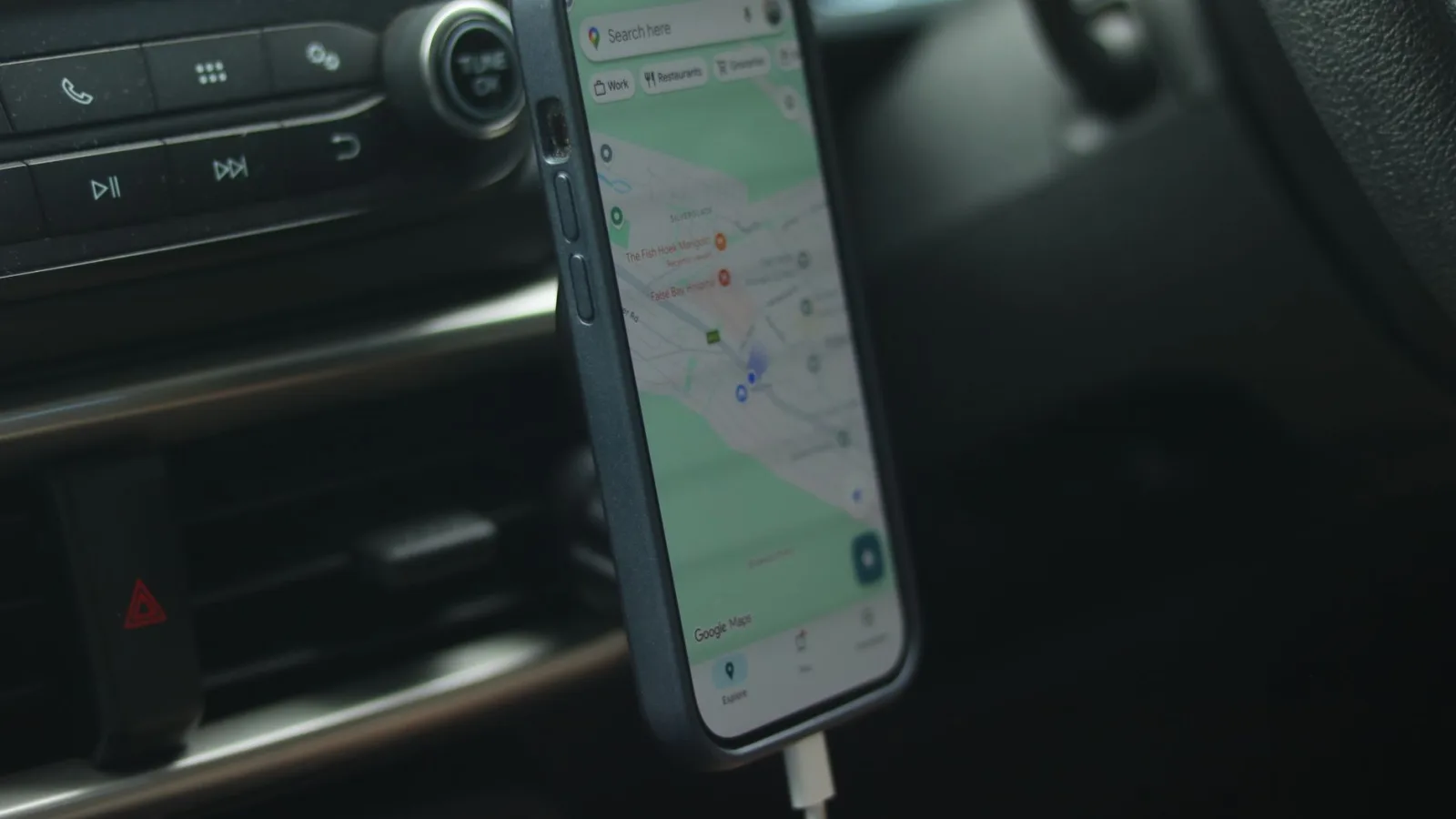
Picture the last time you drove somewhere new. Your phone was probably clamped to a vent, showing a map, tilting a little every time you took a corner. It worked. Sort of.
Then you glanced down to check the next turn and spent two full seconds squinting at a 6-inch screen angled slightly wrong, with a notification banner sliding over the exact street name you needed. That little moment is the whole debate right there.
So the question I get asked more than almost any other: do you spend $200 on a portable screen, or grab a $20 clamp and call it done? I have run both in my own cars for months at a time. Here is what actually separates them.
What each one really is
A phone mount is a holder. That is the entire job. It grips your phone and points it at your face, and everything you see is your regular phone screen running Google Maps or Waze or Apple Maps.
A portable CarPlay screen is a separate display, usually 7 to 10 inches, that sits on your dash and runs actual CarPlay or Android Auto. Your phone stays in your pocket or the console. The screen talks to it over a cable or wirelessly and shows you the proper car interface, the one built for driving.
That difference matters more than the price tag suggests. With a mount you are looking at a phone. With a screen you are looking at a purpose-built dashboard.
Good to know
A phone mount does not give you CarPlay. It just holds the phone that runs your phone apps. If you want the CarPlay grid with big buttons and Siri, you need a screen or a factory head unit that supports it.
The money side, no fluff
Let me put the real numbers on the table, because this is where most people make up their minds.
| Option | Typical price | Setup time | Wiring needed |
|---|---|---|---|
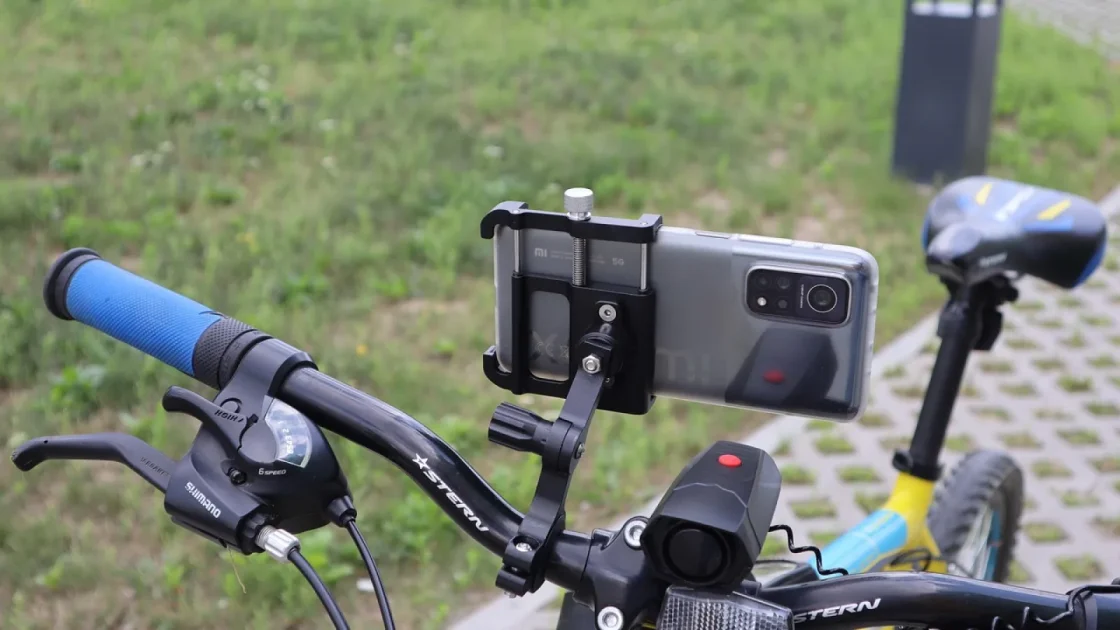
| Vent or suction phone mount | $15 to $35 | 2 minutes | None (charge cable optional) |
| MagSafe mount with charging | $40 to $70 | 5 minutes | One USB power lead |
| Portable CarPlay screen | $120 to $300 | 20 to 45 minutes | Power lead, mount, sometimes audio |
A mount is close to free in car terms. You can buy one at a gas station. A portable screen is a real purchase, and on top of the box price you may spend an hour tidying the power cable so it does not dangle across your knee.
If budget is the only thing on your mind, the mount wins before the conversation starts. But most people asking about portable screen vs phone mount already sense that cost is not the whole story.
Glance time is the thing nobody weighs
Here is the part I care about most as someone who spent years watching people fumble with gear behind the wheel.
Every second your eyes are off the road at 60 mph, you cover about 88 feet blind. A phone map forces more of those seconds on you than you would guess. The text is small. The buttons are sized for thumbs, not quick glances. And your phone keeps trying to be a phone: texts, app badges, that gray banner asking about a software update.
A portable CarPlay screen is designed to be read fast. Bigger type, fewer controls, a map that fills a 7-inch panel instead of a 6-inch one held sideways. You look, you get the info, you are back on the road. Over a long drive that adds up.
The best display is the one you can read without thinking about it. Everything else is detail.
Glare, angles, and the sun problem
Phones are shiny. A phone in a vent mount, tilted toward a low afternoon sun, turns into a mirror. You end up seeing yourself instead of your route.
Portable screens are not immune, but the good ones ship with matte or semi-matte panels and let you tilt and rotate the display on a proper mount. You can aim it away from the windshield glare in a way a small vent clamp rarely allows.
There is also the heat issue. Leaving your phone clamped to a dash in July, running maps and charging, cooks the battery. I have watched phones throttle and dim mid-drive because they got too hot. A portable screen takes that abuse instead of your $900 phone.
Watch out
Suction mounts on a hot dashboard let go. I have had a phone slide off onto the floor mat during a merge more than once. If you go the mount route, pick a clamp-style vent mount, not a cheap suction pad on textured plastic.
Where a plain mount is genuinely the smart call
I am not here to talk everyone into spending more. A mount is the right answer for a lot of drivers.
If your car already has a factory touchscreen you like, adding a portable screen next to it just clutters the dash. In that case a mount is only there for the rare backup, or you skip it entirely.
A mount also makes sense if you drive short, familiar trips. Popping to work and back on roads you know does not demand a big navigation display. And if you swap between several cars, one $20 mount you move around beats buying a screen for each.
- Your factory screen already runs CarPlay or Android Auto
- Most of your driving is short and on roads you know
- You share the setup across several vehicles
- Budget is tight and you need something working today
- You rarely drive with the sun low behind you
If three or more of those describe you, save your money. A good mount and a charge cable will serve you fine.
Where the extra screen earns its keep
Now the flip side. There are drivers for whom a portable screen is not a luxury, it is the fix for a daily annoyance.
Older cars are the big one. If your dash has a CD slot and no touchscreen, a portable CarPlay screen brings modern navigation to a 2008 sedan without cutting into the dash or replacing anything. I cover the older-car angle in more depth elsewhere, but the short version is that a mount cannot give a plain radio car the CarPlay interface. A screen can.
Long-haul and rideshare drivers benefit too. Hours behind the wheel make glance time and glare add up into real fatigue. And keeping your phone off the mount means it charges cool in the console while you use the bigger display.
Wireless connection is another quiet win. Many portable screens pair once and then connect on their own every time you start the car. Your phone stays in your pocket. Compare that to plugging into a mount and untangling the cable at every stop.
Pro tip
If you go with a portable screen, spend the extra $10 on a proper hardwired power kit or a clean fused tap instead of running a cable to the cigarette lighter. It looks tidier and frees up the 12V socket for other stuff. Powering options are worth reading up on before you buy.
A quick honest tally
So where does this leave you? Think of it as two different problems.
The mount solves “I need to see my map and not hold my phone.” It does that cheaply and instantly. For a huge number of drivers that is the entire need.
The screen solves “I want real CarPlay, a display I can read at a glance, and my phone kept safe and cool.” It costs more and takes an afternoon to set up, but it changes how the drive feels.
Neither is wrong. The mistake is buying a $250 screen when a $25 clamp would have made you just as happy, or suffering with a squinty phone map for years when the thing bugging you was fixable for $150. For a plain-language primer on the tech, the CarPlay overview is a decent starting point.
How to decide this week
Do not overthink it. Try the cheap thing first.
Buy a $20 to $30 clamp-style vent mount and drive with it for two weeks. Pay attention to the moments that bug you: squinting at small text, glare at sunset, a phone that runs hot, notifications covering the map.
If after two weeks the mount does everything you need, you are done and you saved a couple hundred dollars. If you kept hitting the same frustrations, now you know exactly what a portable screen would fix, and you can buy one knowing it solves a real problem.
Start small, feel the gaps, upgrade only if they are real. Your wallet and your eyes will thank you.
Frequently asked questions
No. A mount only holds your phone, so you see your normal phone apps like Google Maps or Waze. CarPlay needs either a screen that runs it, a factory head unit that supports it, or an aftermarket unit. If the big-button CarPlay grid is what you want, a plain mount will not get you there.
For most drivers, yes, mainly because of glance time. A portable screen shows larger text and fewer distractions built for driving, so your eyes leave the road for less time. A phone keeps pushing notifications and small buttons that pull your attention. The safety edge is real but modest, and a well-placed mount is still far better than a phone in your lap.
You can, though it is rarely worth it. Some people keep a small mount for a passenger's phone or a second app while the portable screen handles navigation. For most setups the screen replaces the mount entirely, since keeping the phone off the dash is one of the main reasons to buy the screen.
Plan for $120 to $300 for the screen itself, depending on size and features like wireless connection or a built-in dashcam. Add $10 to $30 for a proper power kit if you want the wiring hidden instead of dangling from the 12V socket. A basic phone mount, by contrast, runs $15 to $70.
Yes, and that is one of its strongest use cases. A portable CarPlay screen is self-contained, so it does not care whether your dash has a modern display or a cassette deck. You mount it, give it power, and it brings full navigation and CarPlay to a car that never came with any of it.
Keep reading
Related guides

Portable CarPlay Screens With a Built-in Dashcam
How combo screens that run CarPlay and record the road actually work, what to look for, and where they fall short.
Read guide
Adding a Reverse Camera to a Portable CarPlay Screen
A hands-on walkthrough for wiring a backup camera into a portable CarPlay display so it flips to the camera view when you shift into reverse.
Read guide
Touch Responsiveness on Portable CarPlay Screens
Why some portable CarPlay displays feel sluggish under your finger, and the handful of things actually worth checking.
Read guide