Using the CarPlay Dashboard and Split View
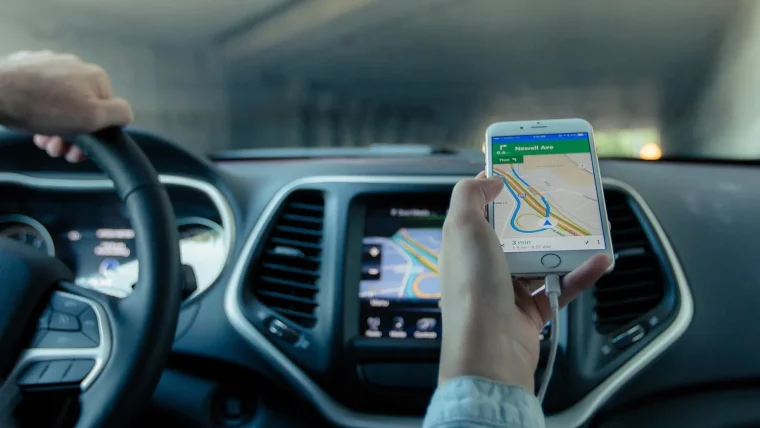
The Dashboard screen puts your map, music and next turn side by side, and it changes how a drive feels once you set it up right.
Read guide
Latest by Vivek Rajput
The Dashboard screen puts your map, music and next turn side by side, and it changes how a drive feels once you set it up right.
Read guideYour phone works fine on a cable but refuses to connect wirelessly. Here is how to sort out the Bluetooth and Wi-Fi handshake for good.
Read guideYour portable screen shows the map fine, but the audio has to go somewhere. Here is how FM, AUX and Bluetooth each get you there.
Read guideA plain-spoken tour of what CarPlay actually does once you plug your iPhone into the car, minus the sales pitch.
Read guideWhen your map goes gray or the blue dot lands two towns over, here is how to get accurate navigation back fast.
Read guideA plain-language checklist for figuring out if a wireless CarPlay dongle will actually work in your car before you spend a dime.
Read guideHow to pick a stereo that runs CarPlay over the air without dropouts, laggy screens or a cable dangling from your dash.
Read guideApple never added a single default map switch, so here is the real way to make Google Maps or Waze your go-to on CarPlay.
Read guideWhat the Coolwalk redesign changed on your car screen, why it looks different, and how to set it up so it actually works for you.
Read guideHow combo screens that run CarPlay and record the road actually work, what to look for, and where they fall short.
Read guide