How to Choose the Right Wireless Adapter Chipset
The little chip inside your dongle decides whether CarPlay loads in 8 seconds or 40. Here is how to read the spec that actually matters.

Key takeaways
- The chipset sets your Wi-Fi band, connection speed, and how much lag you feel day to day.
- Dual-band 5GHz support is the single most important thing to confirm before buying.
- More RAM and a faster processor mean shorter boot times and smoother maps.
- Cheap adapters often hide old single-band chips that struggle with newer phones.
You plug in a shiny new adapter, back out of the driveway, and stare at a black screen for half a minute before CarPlay finally wakes up. Meanwhile your buddy’s dongle connects before he has his seatbelt on. Same car, same phone, wildly different experience. What gives?
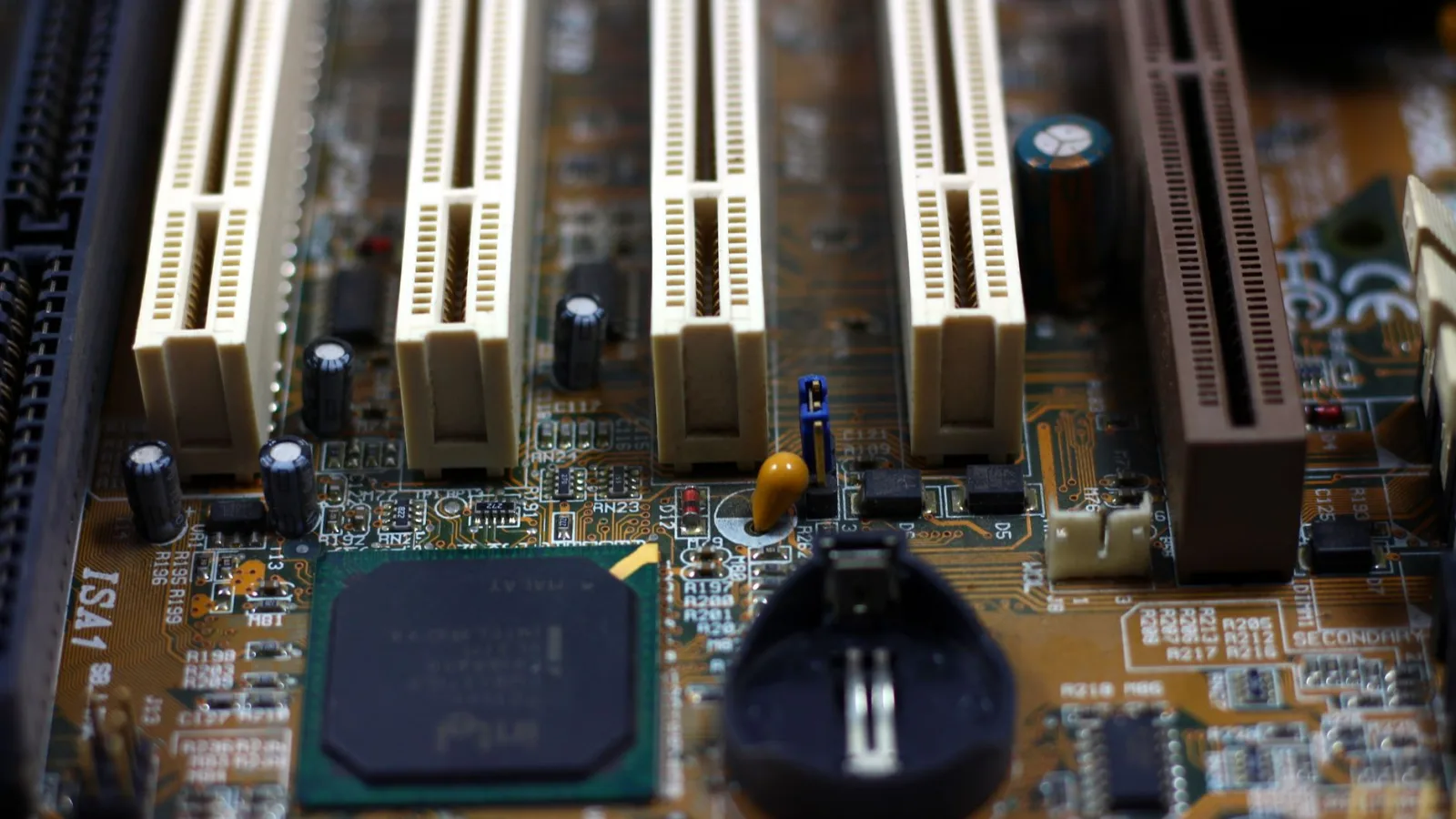
Nine times out of ten, the answer is the chip buried inside that little plastic box. Two adapters can look identical on the shelf and cost within $10 of each other, yet one runs on hardware from 2019 and the other on something current. You cannot see it, and most product pages barely mention it.
I have opened up a pile of these things on my bench, and the chipset is where the real story lives. Let me walk you through how to read it so you spend $60 once instead of $40 twice.
Why the chip inside decides how fast CarPlay loads
A wireless adapter is basically a tiny computer. It talks to your phone over Wi-Fi and Bluetooth, then pipes the CarPlay video and touch data down to your car’s USB port. The chipset is the brain and radio doing all of that.
When the chip is slow or old, everything downstream feels sluggish. Boot times drag. Maps stutter when you pinch to zoom. Album art loads a beat late. None of that is your phone’s fault or your car’s fault. It is the middleman struggling to keep up.
The two things the chip controls that you actually feel: how fast it establishes the connection each time you get in, and how much video bandwidth it can push without dropping frames. A good chip nails both. A weak one forces a tradeoff, and you lose either way.
Good to know
The CarPlay video does not stream from Apple’s servers. It is generated on your phone and beamed straight to the adapter over local Wi-Fi. So your cell signal has nothing to do with adapter lag. The chip and the Wi-Fi band do.
Single-band versus dual-band, and why 5GHz wins
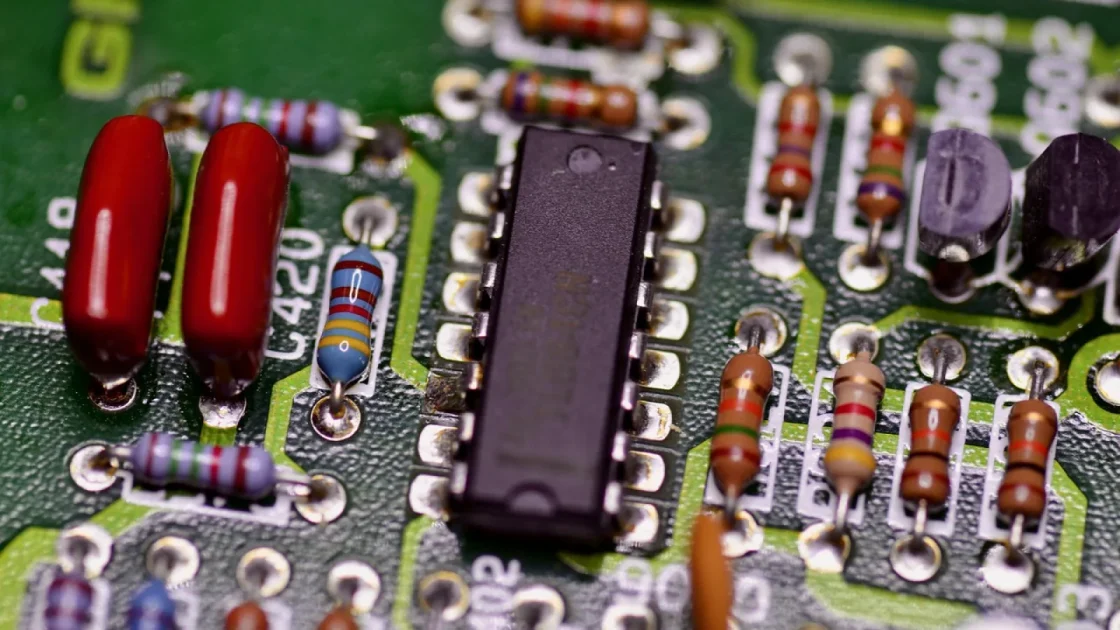
Here is the spec that matters more than any marketing number: does the chipset support the 5GHz Wi-Fi band, or only 2.4GHz?
The 2.4GHz band is crowded and slow. Your phone uses it, nearby cars use it, even some tire-pressure sensors chatter on nearby frequencies. Cram CarPlay video through that and you get the classic symptoms: laggy maps, audio that hiccups, a picture that goes fuzzy in traffic.
The 5GHz band has far more room and much higher throughput. A dual-band chipset connects your phone on one band and handles the car link cleverly, which keeps the video pipe clear. This is the difference between smooth turn-by-turn and a map that freezes right before your exit.
If a product listing does not clearly say 5GHz or dual-band, assume it is single-band and move on. I mean that. The sellers who skip that detail are usually hiding an older chip.
Watch out
Some budget adapters advertise “dual-band” but only support 5GHz for the phone connection while still bottlenecking elsewhere. Read reviews that mention actual boot times, not just the spec sheet. Real-world numbers do not lie.
The specs worth reading before you buy
You will not always find the exact chip model listed, and honestly the marketing name matters less than a handful of supporting specs. These tell you how capable the hardware is.
| Spec | Weak adapter | Strong adapter |
|---|---|---|
| Wi-Fi band | 2.4GHz only | Dual-band with 5GHz |
| RAM | 256MB or unstated | 512MB or more |
| Processor | Single-core, older | Dual-core, current |
| Typical boot time | 25-45 seconds | 8-15 seconds |
| Bluetooth version | 4.x | 5.0 or newer |
RAM is the quiet hero here. More memory means the adapter holds the CarPlay session ready instead of rebuilding it every trip. That is a big chunk of why some dongles reconnect in seconds while others make you wait.
Processor cores matter for the same reason your phone feels faster with a better chip. Encoding video in real time is genuine work. A dual-core part handles it with headroom to spare.
How to spot an old chipset hiding in a new listing
Sellers rarely say “this uses a chip from three years ago.” You have to read the clues. After going through dozens of listings, these are the tells I trust.
- The listing never mentions 5GHz or calls itself dual-band anywhere.
- No boot-time or connection-speed number is given, even vaguely.
- The price is suspiciously low, like $22 when comparable units run $50.
- Reviews mention overheating, random disconnects, or a long black screen at startup.
- The firmware has not been updated in over a year, or updates are not mentioned at all.
That last point is bigger than it sounds. A decent chipset paired with active firmware updates keeps working as Apple and Google push phone software changes. A good chip with abandoned firmware slowly rots. Both parts have to be there.
Pro tip
Before you buy, search the exact model name plus the word “firmware” and see if the maker has a real update page. If nothing comes up, that is a quiet warning about how long the thing will keep working.
Does the chipset change if you run Android Auto?
The core hardware story is the same. Android Auto and CarPlay both lean on the chip to manage the Wi-Fi link and push video, so a fast dual-band chipset helps both.
There is one wrinkle. Some 2-in-1 adapters that handle both systems put more strain on the chip because they carry two sets of connection logic. On a weak chip, that shows up as slower switching between phones. On a strong chip, you never notice it.
If you only ever use one phone platform, a single-purpose adapter with a good chip is often the smarter buy. Fewer moving parts, and the hardware budget goes toward speed instead of flexibility you will not use. For the official rundown of what each system needs, Apple keeps a plain page on CarPlay support and Google does the same for Android Auto.
A $30 adapter that connects in 40 seconds is not a bargain. It is a daily annoyance you paid for.
What a strong chipset actually feels like on the road
Numbers are useful, but let me tell you what the difference feels like from the driver’s seat, because that is what you are really buying.
With a good dual-band chip, you get in, start the car, and CarPlay is up before you finish adjusting the mirror. Roughly 10 seconds, no drama. Maps pan smoothly, Siri responds without a stumble, and podcasts pick up right where they left off.
With a weak chip, you wait. Then you wait more. Sometimes it drops mid-drive and you have to unplug and replug at a red light. That was my exact experience with a cheap unit I tested last year, and it went straight in the return pile.
Quick note
Heat matters too. A hard-working weak chip runs hotter, and heat causes throttling and disconnects on long summer drives. A well-designed adapter with a capable chip stays cooler doing the same job.
Picking your adapter without overthinking it
You do not need to memorize chip model numbers or read a datasheet. You need to confirm three things and walk away happy.
Confirm it is dual-band with 5GHz. Confirm it lists a real boot time in the 8-15 second range, or that reviews back that up. Confirm the maker actually ships firmware updates. Hit all three and the specific chip inside almost takes care of itself.
Set a budget around $50 to $70. That range consistently gets you current hardware without paying for a premium badge. Below $35, you are gambling on an old part. Above $90, you are usually paying for brand, not speed.
Next time you are comparing two adapters, ignore the color and the mounting clip and go straight for the band and the boot time. The chip you cannot see is the thing you will feel every single day, and now you know how to read it.
Frequently asked questions
Sometimes, but not always. Many sellers do not publish the exact chip model. Instead of chasing the model name, check the supporting specs like 5GHz support, RAM, and stated boot time, since those reveal how capable the chip is.
Often yes, if lag is the main complaint. A dual-band chip with 5GHz support clears the most common cause of stutter and slow maps. If your current adapter is single-band, upgrading to a stronger chipset usually makes a noticeable difference.
No. Price and chip quality do not track perfectly. Some $50 adapters use current hardware while a few $80 ones coast on brand name with older chips. Judge by the band, RAM, and boot time rather than the price tag alone.
Partly. A capable chip paired with ongoing firmware updates keeps working as phone software changes over time. A weak chip or one with abandoned firmware can slowly stop connecting reliably, so both hardware and update support matter.
They benefit from one. Handling both CarPlay and Android Auto puts more load on the chip, especially when switching between phones. On a strong dual-band chip you will not notice the extra work, but on a weak one switching feels slow.
Keep reading
Related guides

Wireless Adapter Connection Drops: How to Fix Them
A hands-on troubleshooting walkthrough for stopping your wireless CarPlay or Android Auto dongle from cutting out while you drive.
Read guide
How to Set Up a Wireless CarPlay Adapter
A plain-spoken walkthrough for pairing any wireless CarPlay dongle to your car for the first time, start to finish.
Read guide
Budget vs Premium Wireless Adapters: What Changes
Spend $25 or spend $90 on a wireless CarPlay dongle and the difference shows up in ways the box never tells you.
Read guide