USB-C vs Lightning for CarPlay: Does It Matter?
Your iPhone connector changed, but does that actually affect how CarPlay behaves in the car? Here is the honest answer.

Key takeaways
- For CarPlay itself, USB-C and Lightning behave the same once connected. The connector shape does not change the CarPlay experience.
- The cable quality matters far more than the connector type for stable, reliable wired CarPlay.
- If you upgraded from a Lightning iPhone to a USB-C one, you mostly just need the right cable, not a new car.
- Some older cars with a Lightning cable built in will need an adapter or a fresh USB-C cable for a modern iPhone.
You just brought home the new iPhone, plugged it into the same car port you have used for three years, and nothing happened. No CarPlay screen. No little cable icon. Just your phone charging and the car acting like it has never met you.
Sound familiar? This is the moment people start wondering whether the switch from Lightning to USB-C broke something. It usually did not. But whether the connector matters is more layered than a simple yes or no.
I have wired up CarPlay on everything from a base-model Corolla to a loaded Audi, and I have watched people blame the wrong thing more times than I can count. Let me walk you through what actually changes when you move from a Lightning phone to a USB-C one, and where the real gotchas hide.
What the connector is and what CarPlay actually needs
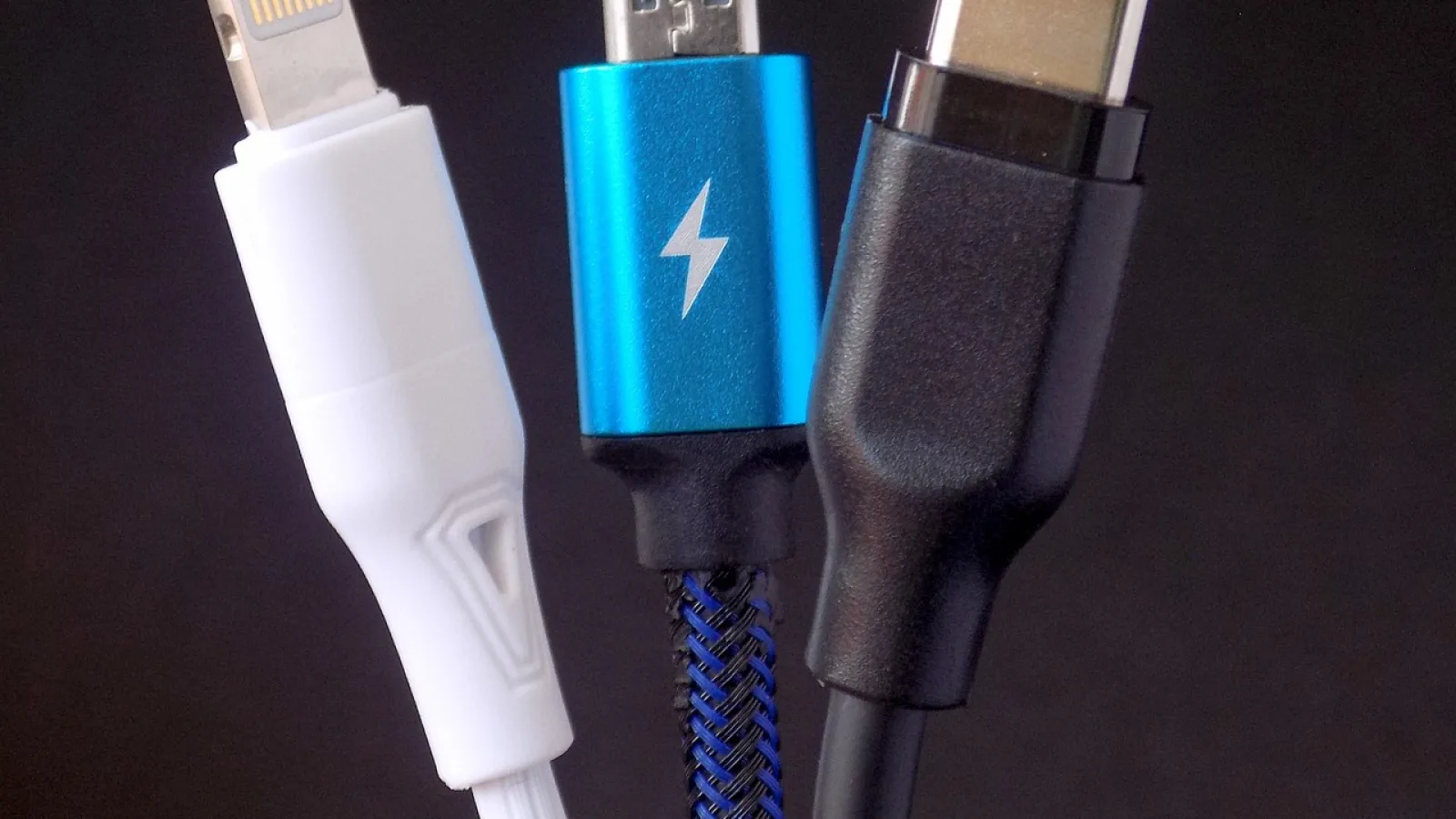
Lightning is the small, flat, reversible connector Apple put on iPhones from 2012 through the iPhone 14 series. USB-C is the slightly larger oval connector that arrived on the iPhone 15 and became standard after that.
Here is the part that trips people up. CarPlay does not care which end plugs into your phone. It runs over a USB data connection, and both Lightning and USB-C can carry that data just fine. The car sees a phone, the phone sends the CarPlay signal, and the screen lights up.
So when someone asks me about usb-c vs lightning carplay and whether the projection quality or app behavior differs, the honest answer is no. Maps looks the same. Music streams the same. Siri responds the same. The connector is just the doorway, not the room.
Good to know
Wired CarPlay has always been a USB thing under the hood. The metal shape on the phone end changed, but the data protocol carrying CarPlay did not. That is why a good cable is the real hero here.
The connector on the car side barely changed at all
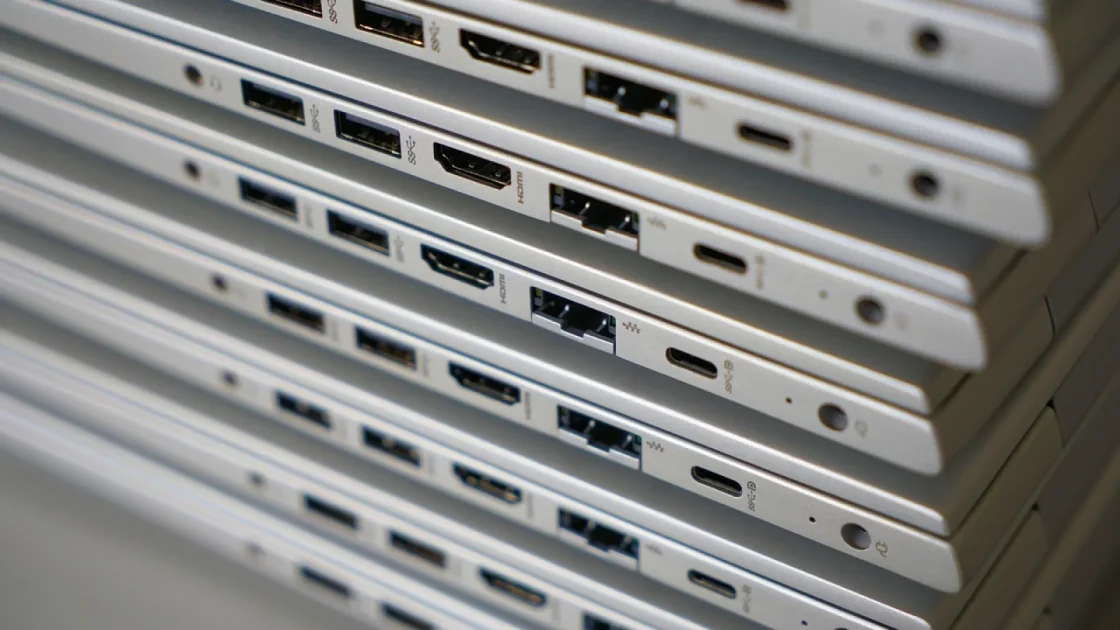
Most cars give you a plain USB-A port, that wide rectangular slot you have plugged a thousand things into. That port did not change when Apple switched phones. What changed is the tip on the other end of your cable.
If your car has a USB-A port, you need a cable that is USB-A on the car side and either Lightning or USB-C on the phone side, matching your iPhone. A person moving from a Lightning phone to a USB-C phone just needs to swap to a USB-A to USB-C cable. The car does not know or care.
Newer vehicles from roughly 2022 onward sometimes have a USB-C port in the car too. In that case you can run a USB-C to USB-C cable end to end, which is clean and fast. Either way, the car port and the phone port are two separate decisions.
Watch out
Not every USB-C port in a car supports data. Some are wired for charging only. If CarPlay refuses to start on a USB-C car port, try the USB-A port instead. On a lot of cars only one specific port is marked for CarPlay, usually with a little phone or smartphone symbol.
Where people actually run into trouble
The connector switch rarely breaks CarPlay by itself. What breaks it is a cheap cable that charges but does not pass data. This was true in the Lightning days and it is still true with USB-C.
A charge-only cable is the number one culprit I see. The phone powers up, the owner assumes the cable is fine, and CarPlay never appears. USB-C makes this a little sneakier because so many random USB-C cables exist, and plenty of them are power-only.
Here is a quick reference for what matches what.
| Your iPhone | Car port | Cable you need |
|---|---|---|
| Lightning (iPhone 14 and older) | USB-A | USB-A to Lightning, data-capable |
| USB-C (iPhone 15 and newer) | USB-A | USB-A to USB-C, data-capable |
| USB-C (iPhone 15 and newer) | USB-C | USB-C to USB-C, data-capable |
| Lightning (iPhone 14 and older) | USB-C | USB-C to Lightning, data-capable |
Notice the pattern. Every row ends in the same two words: data-capable. That is the thing that actually matters, more than any debate about the connector shape.
Pro tip
If you are shopping for a cable, look for one that mentions data transfer or sync, not just fast charging. A cable rated only for charging will leave you staring at a black screen. I keep one known-good cable in the glovebox that I never use for anything but CarPlay.
Upgrading from a Lightning iPhone to a USB-C one
This is the most common real-world situation, so let me be specific. Say you traded an iPhone 13 for an iPhone 16. Your car worked perfectly for years with the old cable.
That old cable ended in Lightning, which no longer fits your new phone. You do not need a new car, a firmware update, or a trip to the dealer. You need a cable that ends in USB-C on the phone side and matches your car port on the other end.
Grab that cable, plug in, and CarPlay should launch within a few seconds. If your car came with a captive cable, meaning a cable permanently attached inside the console with a Lightning tip, that is the one spot where you might need a small USB-C adapter or a rethink. I will cover that next.
The phone changed. The car did not. Nine times out of ten, the fix is a five dollar cable and thirty seconds, not a service appointment.
The captive cable problem in some older cars
A handful of vehicles, some Toyotas and Lexus models from the late 2010s among them, shipped with a cable built right into the center console. It had a Lightning tip on a coiled cord you could not remove.
If you own one of those and you now carry a USB-C iPhone, that fixed Lightning tip will not plug in. Your options are a compact Lightning-female to USB-C-male adapter, or finding a separate USB port in the car to run your own cable.
Most of these cars also have a regular USB-A port nearby, often in the console or glovebox, that can drive CarPlay just fine with your own USB-A to USB-C cable. Check your manual for which port supports data if you are not sure.
Does USB-C make CarPlay faster or better?
Short version: not in any way you will notice. USB-C can move data faster than Lightning on paper, and it charges the phone quicker in many cases. Both of those are nice.
CarPlay, though, does not push enough data to feel the difference. The interface, the maps, the audio, all of it fits comfortably within what Lightning already handled. You will not get sharper graphics or snappier menus just from the newer connector.
What you might notice is faster charging while you drive. That is a battery benefit, not a CarPlay one. If you want the official rundown of what wired CarPlay needs, Apple keeps a plain-language page over at Apple CarPlay support.
A quick checklist before you blame the connector
When CarPlay will not start after a phone upgrade, run through these in order. It saves a lot of frustration.
- Confirm the cable is data-capable, not charge-only. Try a different known-good cable.
- Make sure the cable tip matches your iPhone (USB-C for iPhone 15 and newer).
- Plug into the correct car port, the one marked with a phone or CarPlay symbol.
- Check that CarPlay is enabled in iPhone settings under Screen Time and General.
- Unlock the phone and tap Allow if a permission prompt appears the first time.
- Restart the car and the phone if it still refuses. A stale connection clears easily.
Quick note
If you have wireless CarPlay, the whole connector question mostly disappears. Wireless setups pair over Wi-Fi and Bluetooth, so the cable only matters as a backup or for charging. Plenty of people switch to wireless after one too many cable headaches.
So, where does that leave you
The connector on your iPhone, USB-C or Lightning, does not change CarPlay in any meaningful way once you are plugged in. The screen, the apps, and the responsiveness are identical. What genuinely matters is a data-capable cable and the right car port.
If you just moved to a USB-C iPhone and CarPlay went quiet, your next step is simple. Buy one good USB-A to USB-C or USB-C to USB-C cable, keep it dedicated to the car, and plug into the port with the phone symbol. That single move fixes the vast majority of these cases.
Do that, and your music, maps, and messages just show up the moment you sit down.
Frequently asked questions
Only if the phone end of that cable is USB-C. A cable that ends in Lightning will not physically plug into an iPhone 15 or newer. You will need to swap to a cable with a USB-C tip on the phone side while keeping whatever connector your car port uses on the other end.
For the CarPlay experience itself, no. Both connectors carry the CarPlay data connection equally well, so maps, music, and Siri behave the same. USB-C can charge your phone faster on a capable port, but that is a battery perk rather than a CarPlay improvement.
That almost always means your cable is charge-only and cannot pass data. Charging and data are separate functions, and many cheap USB-C cables skip the data wires. Swap in a cable that clearly states data transfer or sync support and CarPlay should appear.
You have two easy paths. Use a small Lightning-female to USB-C-male adapter on the tip of that captive cable, or find a separate USB port in the car and run your own USB-C cable to it. Check your owner's manual to confirm which spare port supports data.
Yes, as long as both the cable and the car port support data rather than charging only. Many newer cars from 2022 onward include a data-capable USB-C port. If CarPlay does not launch on it, try the USB-A port in the car instead, since not every USB-C port carries data.
Keep reading
Related guides
How to Arrange and Customize Your CarPlay Apps
Move, hide, and reorder your CarPlay apps so the ones you actually use sit front and center every drive.
Read guide
How to Set Up Android Auto Step by Step
Get your phone talking to your car's screen the first time, with the small gotchas that trip most people up.
Read guide
First-Time Wired CarPlay Setup, Made Simple
A plain, hands-on walkthrough for connecting your iPhone to CarPlay with a cable the very first time, with the small snags nobody warns you about.
Read guide