Do Wireless CarPlay Adapters Drain Your Battery?
A straight answer on what these little dongles do to your phone's charge and your car's battery, based on real driving.

Key takeaways
- A wireless adapter uses more phone battery than a cable because Wi-Fi and Bluetooth stay active the whole drive.
- Expect roughly 8 to 15 percent extra phone drain per hour compared to a wired connection.
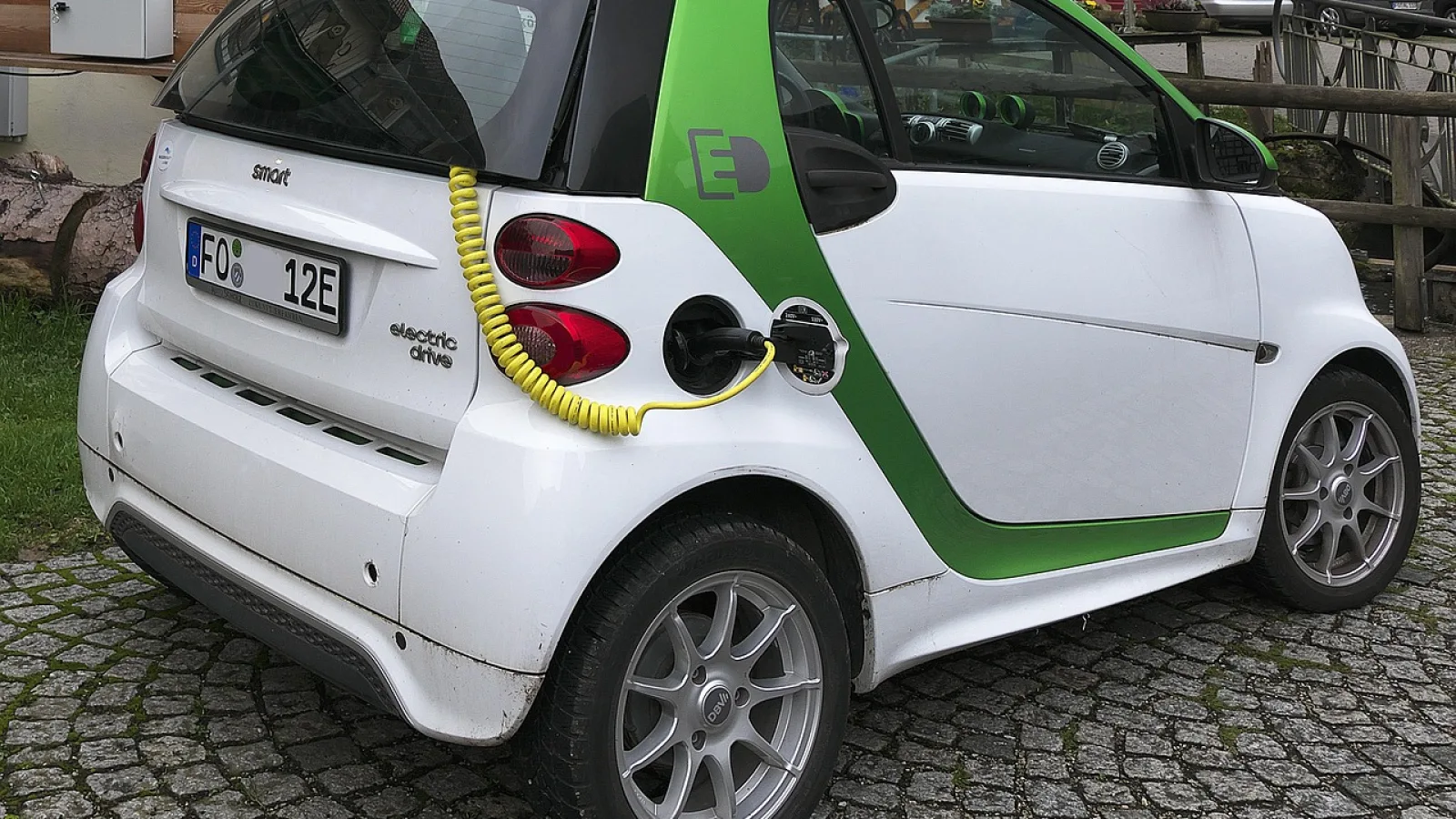
- The car battery hit is tiny while driving and only matters if the adapter keeps drawing power after you park.
- Heat is the real enemy: a hot phone or hot adapter drains faster and can throttle performance.
- A cheap magnetic vent charger fixes almost every battery complaint for under $20.
You just paid $70 for a little dongle so you can leave your phone in your pocket. Then you notice your battery is at 60 percent after a 40-minute commute, when it used to sit at 85. Coincidence, or is the adapter eating your charge?
It is not your imagination. Going wireless does cost you battery, on both the phone and, in a small way, the car. The good news is the amount is predictable, and most of it is easy to claw back.
I have run half a dozen of these adapters across a Mazda, a Honda, and an old BMW, watching the battery percentage like a hawk. Here is what actually happens.
Why wireless pulls more juice than a cable
A wired CarPlay setup does two things at once: it sends your screen to the car and it charges your phone through the same cable. You almost always end a drive with more battery than you started.
Cut the cable and you lose the charging half. Now the phone is running two radios full-time instead. There is a Bluetooth link for the initial handshake and a 5GHz Wi-Fi connection carrying the actual screen data. Both of those sip power the entire time the car is on.
Add the screen work on top. Your phone is decoding maps, streaming audio, and pushing video frames to the dash, all while the display might also be lit in your pocket if a notification wakes it. None of that is free.
Good to know
The 5GHz Wi-Fi is the big draw, not Bluetooth. Bluetooth Low Energy barely registers. It is the constant video stream over Wi-Fi that runs the battery down, which is also why a weak signal makes drain worse: the phone cranks up transmit power to keep the picture clean.
How much drain are we really talking about?
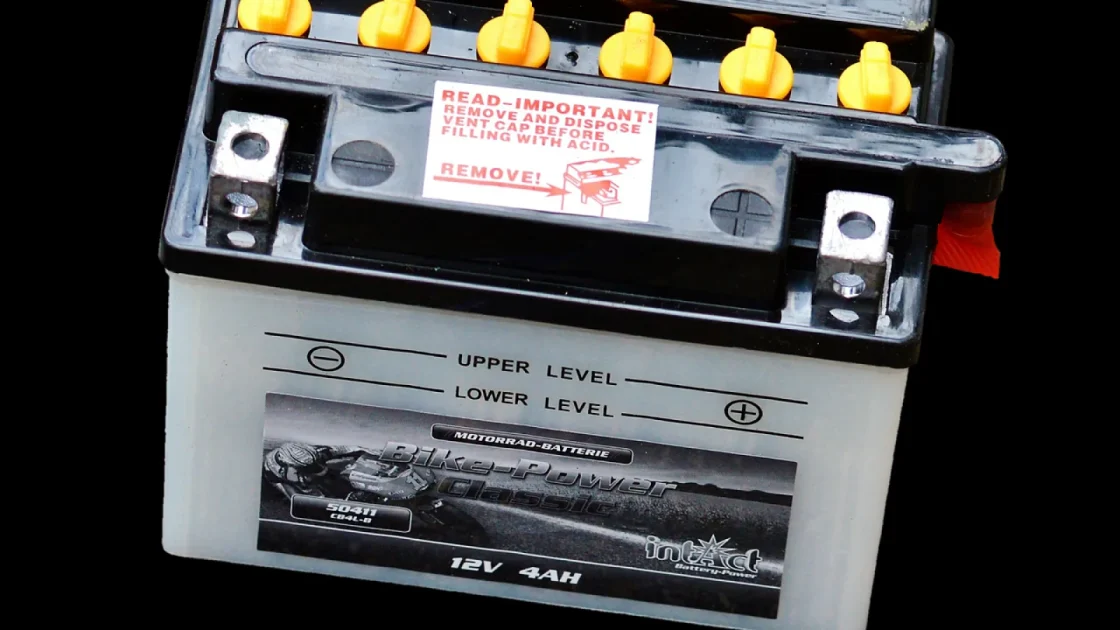
In my testing, a wireless connection pulled the phone down by roughly 8 to 15 percent per hour, versus a wired setup that gained charge. The exact number swings with what you are doing.
Navigation with the screen bright is the worst case. Just streaming music with the phone face-down and cool is the mildest. Here is a rough picture from an iPhone with a decently healthy battery.
| Usage during drive | Wired (per hour) | Wireless (per hour) |
|---|---|---|
| Music only, screen off | +15% (charging) | -6 to -8% |
| Maps plus music | +10% (charging) | -10 to -13% |
| Maps, music, phone in hot sun | +5% (charging) | -15 to -20% |
So on a short trip you will not notice much. On a two-hour road trip with navigation running, you could land 25 to 30 percent lower than you expected. That is the gap that catches people off guard.
Does it hurt your car’s battery?
While the engine is running, no. The adapter draws a trickle from the USB port, well under what the alternator replaces. You could run it all day on the highway and never notice.
The concern is parasitic drain, meaning power the adapter pulls after you shut the car off. Most cars cut power to the USB ports a few minutes after you remove the key or lock up. Some do not.
If your USB port stays live 24/7, and some older or oddly-wired cars do, a plugged-in adapter can keep drawing a small current overnight. On its own that is tiny, maybe 30 to 50 milliamps. But stack it with a car that already sits for a week and a battery that is a few years old, and it can be the straw that leaves you cranking on a dead battery Monday morning.
Watch out
If you drive rarely, or your car sits at an airport for a week, unplug the adapter before you leave. On a healthy battery it will not matter. On a tired one, that extra draw plus the car’s own overnight drain can be the difference between a start and a jump.
Heat is the hidden battery killer
This is the part people miss. A wireless adapter runs your phone’s radios hard, and radios make heat. A warm phone drains faster, and a hot phone drains a lot faster because the chemistry inside just works less efficiently.
Now picture the phone sitting in a cupholder in direct summer sun while it streams to the dash. You have combined an internal heat source with an external one. I have watched a phone go from 70 percent to 40 in under an hour on a July drive, and it was warm enough to be uncomfortable to hold.
Two things happen when it gets that hot. The battery drains faster, and iOS or Android may throttle the connection to cool down, which is why some people blame the adapter for lag when the real problem is temperature. If your adapter itself gets hot to the touch, that is a separate matter worth reading up on, but a cooking phone is the more common culprit.
The single best thing you can do for battery life on a wireless setup is keep the phone out of the sun. Everything else is a rounding error next to heat.
Simple fixes that actually work
You do not have to give up wireless to solve this. Most of the drain disappears with cheap, obvious changes.
- Add a magnetic or wireless vent charger so the phone charges while it streams. Under $20 and it turns drain into a net gain.
- Mount the phone on a vent, not a cupholder, so cabin airflow keeps it cool.
- Keep the phone out of direct sunlight, even if that means a shaded spot low on the dash.
- Drop the screen brightness or let auto-brightness do its thing; a blazing display works the battery for no reason.
- Unplug the adapter if the car will sit unused for more than a few days.
- Update the adapter firmware. Newer versions often improve Wi-Fi efficiency and cut heat.
The vent charger is the big one. Adding one gives you the best of both: your phone stays in your pocket-free zone on the mount, charging the whole time, and you stop thinking about battery altogether.
Pro tip
If your car has a 15W wireless charging pad in the console, that will not help a mounted phone. Grab a separate MagSafe-style vent mount instead. The phone needs to be up where you glance at it and where air moves, not buried in a heat-trapping tray.
iPhone versus Android: any difference?
The physics are the same, but the numbers vary. Newer iPhones with efficient chips and larger batteries tend to weather wireless CarPlay better than older models. A three-year-old phone with a worn battery feels the drain much more sharply.
On the Android side, wireless Android Auto behaves similarly, though the sheer variety of phones makes it harder to give one figure. A flagship handles it fine; a budget phone with a small battery struggles. If you want the official word on what each platform supports, Apple and Google both keep plain documentation up at Apple’s CarPlay support page and Google’s Android Auto help.
Battery health matters more than the brand. A phone whose battery has dropped to 80 percent of its original capacity will show drain that a fresh battery shrugs off. If your phone is a few years old and CarPlay seems to gulp power, check the battery health screen before you blame the dongle.
Quick note
You can see this yourself. On an iPhone, go to Settings, Battery, Battery Health and Charging. Anything under 85 percent means the battery is aging, and every power-hungry task, wireless CarPlay included, will hit harder.
So should the drain change your mind?
For most people, no. If you drive with the phone on a charging mount, wireless CarPlay costs you nothing in battery and you never plug a cable in again. That is the whole appeal.
The drain only becomes a real problem in two situations: long navigation-heavy drives with the phone loose and hot, or a car that leaves its USB port live and sits for days. Both have easy answers, a vent charger for the first and unplugging for the second.
Here is your next step. Before your next long trip, spend $15 on a vent-mount charger and clip your phone where the air conditioning can reach it. Do that and the battery question quietly goes away, which is exactly how it should be.
Frequently asked questions
Only if your car keeps its USB port powered after you shut off and lock the vehicle, which most modern cars do not. On cars that stay live, the adapter draws around 30 to 50 milliamps, which is harmless for a healthy battery but can matter on an old battery or a car that sits for a week. If you rarely drive, just unplug it before a long parking stretch.
In real driving I saw roughly 8 to 15 percent extra drain per hour compared to a wired connection, which actually charges the phone. Navigation with a bright screen sits at the high end. Music with the screen off sits at the low end. Heat pushes those numbers higher.
Yes. The adapter uses Wi-Fi and Bluetooth for the CarPlay connection, so a separate charging mount or pad tops up the battery at the same time with no conflict. Pairing the adapter with a magnetic vent charger is the standard fix for any drain complaint.
The phone runs its Wi-Fi and Bluetooth radios full-time to stream the screen, and busy radios generate heat. Add sunlight or a warm cabin and it climbs fast. A hot phone drains quicker and may throttle the connection, so keeping the phone cool on a vent mount solves both problems at once.
Not on its own. If you use a charging mount, wireless costs you nothing in battery while saving you the cable hassle. Wired makes more sense only if you never mount your phone and want guaranteed charging with zero setup, or if you are chasing the lowest possible lag.
Keep reading
Related guides
Wireless CarPlay Adapters: A Complete Buying Guide
Everything I check before buying a wireless CarPlay adapter, from chipsets to compatibility, so you skip the junk and get one that just works.
Read guide
Wireless CarPlay Adapter Privacy and Data: What to Know
A plain look at what those little dongles actually touch, what they do not, and how to keep your data yours.
Read guide
Wireless CarPlay Adapter Overheating: What to Do
Why your dongle runs hot, when heat actually matters, and the quick fixes that keep it working on long drives.
Read guide