Single DIN vs Double DIN: Which Do You Need?
A plain-spoken look at the two stereo sizes so you buy a head unit that actually fits your dash the first time.


Key takeaways
- Single DIN is one slot tall (about 2 inches); double DIN is two slots (about 4 inches) and fits most modern touchscreens.
- The size is decided by the opening in your dash, not by which stereo you like best.
- You can put a single DIN unit in a double DIN hole with a pocket, but not the other way around without dash work.
- Screen style, CarPlay support and price all follow from the size you can physically fit.
You found a stereo you love. Big bright screen, wireless CarPlay, the works. Then you pull the old radio out of your 2011 Civic and the new unit is twice as tall as the hole in the dash. Now what?
This is the single most common tripwire people hit when they buy their first aftermarket head unit. The stereo world runs on two standard sizes, and the one your car will accept was decided by the factory years before you owned it.
So before you spend $150 to $600 on a shiny new deck, let’s sort out which size you actually need and why it matters more than any spec on the box.
What DIN Even Means
DIN is just a German standards group (Deutsches Institut fur Normung) that set a common size for car radios back in the 1980s. Carmakers around the world agreed to use it, which is why a radio from one brand can drop into another brand’s dash.
One DIN slot measures roughly 2 inches tall by 7 inches wide. That is a single DIN. Stack two of them and you get double DIN, about 4 inches tall by the same 7 inches wide.
The width almost never changes. The height is the whole ballgame. When people argue single din vs double din, they are really talking about how tall the opening in the dash is.
Good to know
You may also see “1.5 DIN” or the older Japanese “2-DIN” sizing on imports. In practice, the two you shop for are single and double. A separate piece on measuring your dash covers the oddball cases.
Single DIN: The Small Slot
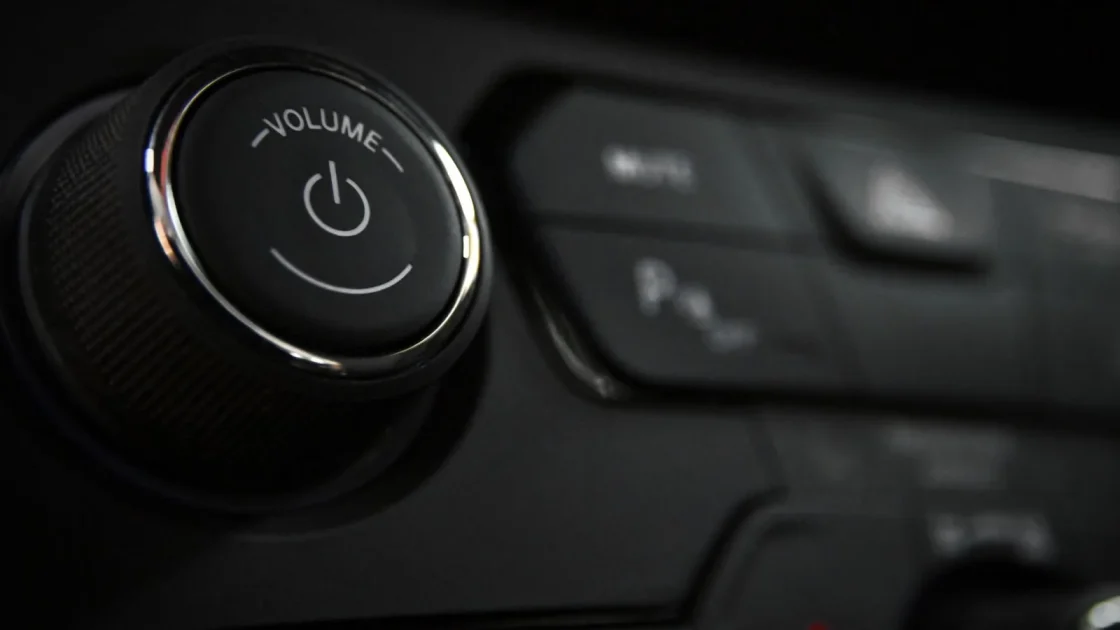
A single DIN radio is that classic slim rectangle you probably grew up with. Think of the tape decks and CD players in cars from the 90s and early 2000s. Most of the face is buttons and a small display, sometimes a fold-out or motorized screen that flips up.
Because there is so little room on the face, a single DIN unit with CarPlay usually hides its screen behind a flip-out mechanism. The Pioneer and Sony flip-out decks are the usual suspects here. They work, and they look sharp when the screen swings up, but there are more moving parts to eventually wear out.
Single DIN is the right pick when your dash simply has no room for anything taller. Plenty of trucks, older sedans and compact cars from the 2000s were built with a single slot and a storage pocket underneath.
Where single DIN still shines
If you mostly want great sound and CarPlay without a giant screen, a single DIN deck can be the cleaner, cheaper choice. You keep that little pocket for sunglasses or a garage remote, and you spend $120 to $300 instead of more.
Double DIN: The Tall Slot
Double DIN is what most people picture now: a fixed touchscreen, usually 6.2 to 7 inches, filling the whole opening. Nearly every car built in the last 12 to 15 years came from the factory this way, or with a dash that can be adapted to it.
The extra height is what makes room for a proper touchscreen. That is why almost all the popular CarPlay and Android Auto decks from Pioneer, Kenwood, Sony and Alpine are double DIN. Bigger glass, bigger maps, easier taps while you drive.
If your car already has a double slot, this is almost always the way to go. You get the modern screen experience and a much wider selection of units to choose from.
Pro tip
Snap a photo of your current radio and the dash trim around it before you shop. Nine times out of ten you can tell single from double just by how tall the faceplate is compared to its width.
How to Tell Which One Your Car Takes
Here is the part that trips people up. You do not choose your size. Your dash chooses it for you. The question is what shape the opening is once the trim panel comes off.
The quickest gut check: look at your current stereo face. If it is clearly wider than it is tall, roughly a 3-to-1 rectangle, that is single DIN. If it is closer to a squarish 7-by-4, that is double DIN.
Measuring beats guessing. Pop the trim, measure the height of the metal opening, and compare:
| Size | Opening height | Typical screen | Common CarPlay style |
|---|---|---|---|
| Single DIN | ~2 in (50 mm) | Small or flip-out | Motorized fold-out display |
| Double DIN | ~4 in (100 mm) | Fixed 6.2 to 7 in | Full fixed touchscreen |
One handy trick: a single DIN unit can go into a double DIN opening using a pocket or trim spacer to fill the extra gap. Going the other way does not work. You cannot force a double DIN screen into a single slot without cutting or modifying the dash, and that is a project most people should not start on a daily driver.
Watch out
A common mistake is buying a double DIN deck because the reviews are better, then discovering the car only has a single slot. Confirm the opening first. The stereo’s specs never tell you what your specific dash will accept.
What the Size Decides for You
Once you know your slot, a lot of other decisions fall into place on their own.
- Screen type: fixed touchscreen (double) or flip-out and small display (single)
- Model selection: far more double DIN options with wireless CarPlay
- Price range: single DIN CarPlay units often run cheaper for similar features
- Install effort: both are similar, though double DIN screens can crowd nearby vents or controls
- Kept features: steering wheel controls and backup cameras work with either size using the right adapter
Notice that CarPlay itself does not care about the size. Apple’s system runs the same on a flip-out single DIN screen as it does on a big double DIN panel. If you want the deeper background on how the phone projection works, Apple’s own CarPlay overview lays it out. The size question is purely about the box that holds the screen.
A Quick Way to Decide
Run through this and you will land in the right place almost every time.
Measure your opening. If it is about 4 inches tall, buy double DIN and enjoy the bigger touchscreen selection. If it is about 2 inches tall, you have two choices: a single DIN flip-out unit, or building the dash out to accept double DIN with a kit, if one exists for your car.
The best head unit in the world is the one that fits your dash. Everything else is a preference you get to have only after the size matches.
For most drivers with a car newer than about 2010, this is an easy call. You have a double DIN slot, so you get a modern screen and a wide field of CarPlay decks to pick from. Owners of older or smaller vehicles usually land on single DIN, and there are genuinely good flip-out options that still give you full CarPlay.
Quick note
If you drive an Android phone, the same sizing logic holds. A double DIN screen makes Android Auto easier to tap, and Google’s Android Auto page shows what that looks like on a full display.
Your Next Move
Before you add anything to a cart, spend ten minutes with a trim tool and a tape measure. Get the dash opening off, measure the height, and write it down. That one number tells you which aisle you are shopping in.
From there, match the size to the features you actually want: wireless CarPlay, a physical volume knob, a decent preamp for future speakers. If the size fits, the rest is fun. If it does not fit, no feature list can save you.
Measure first, then shop. That order has saved more weekends and returned boxes than any spec sheet ever will.
Frequently asked questions
Not without modifying the dash. A double DIN unit is twice as tall as a single slot, so it physically will not fit a single opening. Some cars have dash conversion kits that let you build the opening out, but many do not, and cutting a factory dash is real work you should weigh carefully.
No. CarPlay works fine on single DIN units too, usually through a flip-out or motorized screen. The size only changes how big the display is and how many models you can choose from, not whether CarPlay runs.
Look at your current radio face. If it is a slim wide rectangle it is single DIN; if it is closer to square it is double DIN. To be sure, remove the trim panel and measure the opening height: about 2 inches means single, about 4 inches means double.
Single DIN CarPlay units often cost a bit less for comparable features, roughly $120 to $300 versus $200 and up for double DIN. That said, prices overlap a lot, and the size you can fit matters more than the small price gap.
Yes, with the right interface adapter. Both single and double DIN units can keep steering wheel buttons and factory backup cameras working. The adapter you need depends on your car, not on the stereo size.
Keep reading
Related guides
Dash Kits and Fascia Panels: Making a Stereo Fit
The trim pieces that turn a bare stereo hole into a clean, factory-looking install, and how to pick the right one.
Read guide
6 Head Unit Buying Mistakes That Cost You Money
The six errors that turn a fun stereo upgrade into a pile of returns, extra parts, and a dashboard that looks half finished.
Read guide
Floating vs Modular vs Standard Head Unit Screens
Three screen styles, three very different looks on your dash. Here is how to pick the one that fits your car and your daily driving.
Read guide