CarPlay vs Built-in Car Navigation: Which Wins?
A hands-on look at phone navigation versus factory sat-nav, covering maps, traffic, cost and the times each one actually pulls ahead.

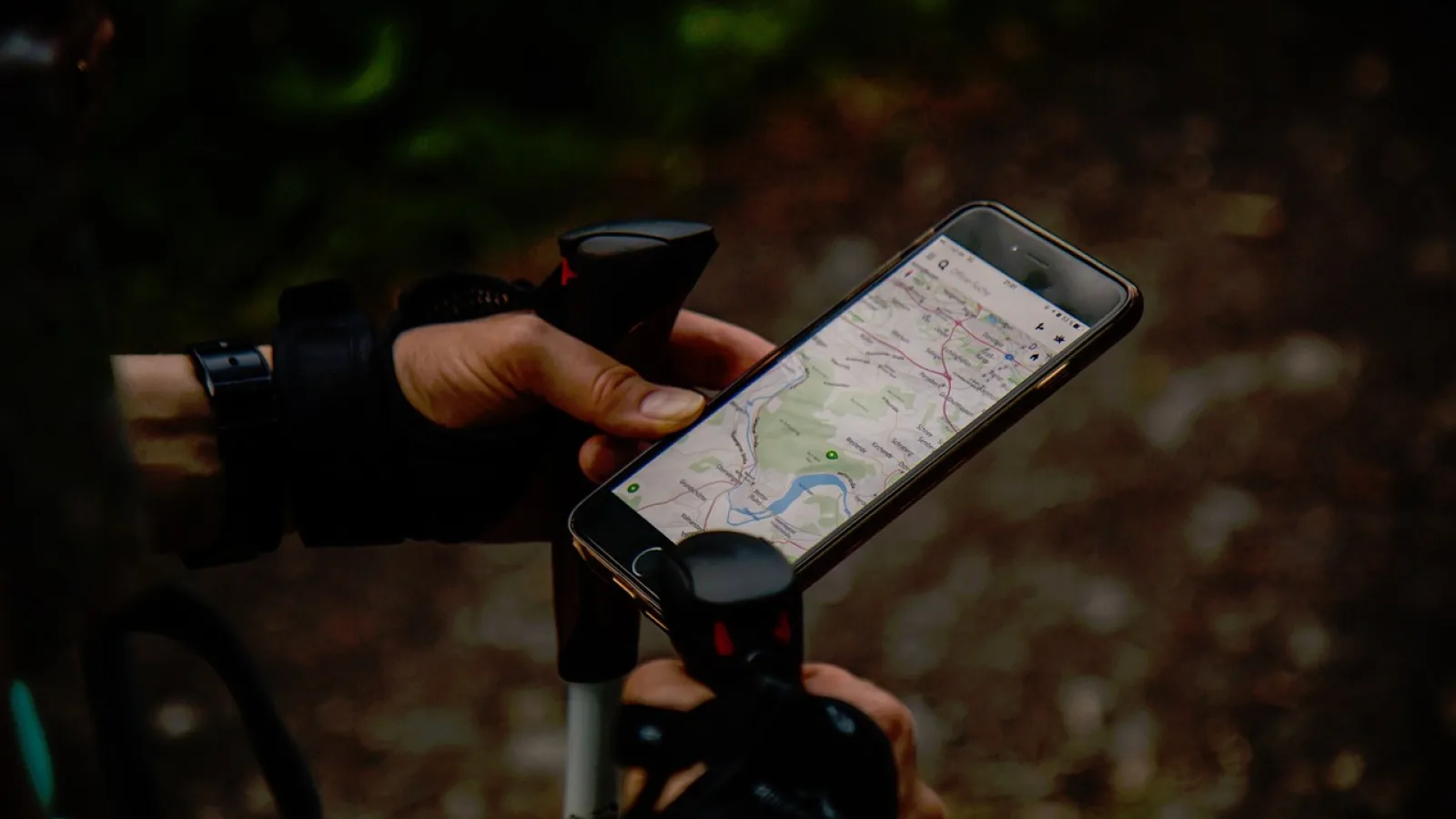
Key takeaways
- Phone-based maps win on fresh data, traffic rerouting and voice search for most daily driving.
- Factory sat-nav keeps working with zero signal and stays put when you swap phones.
- Built-in map updates can run $99 to $199 or more, while phone apps update for free.
- The smartest setup is often both: phone navigation on the daily grind, factory maps as a backup.
You are running late, merging onto the freeway, and the factory screen wants you to take an exit that closed for construction three months ago. Meanwhile your phone, sitting in the cupholder, already knows about the closure and the backup two miles ahead. Sound familiar?
That little standoff between the maps built into your dashboard and the ones on your phone is the whole question here. Which one do you actually trust when it matters?
I have installed and lived with both across a lot of vehicles, from a 2013 sedan with a clunky factory unit to newer cars running wireless phone projection. Neither one is perfect. But the gap between them is bigger than most dealers will admit, and it shows up in specific, predictable ways.
What each system actually is under the hood
Built-in navigation is the map software your carmaker loaded onto the head unit at the factory. The maps live on a hard drive or SD card inside the dash. Everything runs locally, which is both its best trait and its biggest weakness.
Phone navigation through CarPlay or Android Auto is different. Your phone does the thinking and streams the result to the screen. The car is basically a nice monitor and a set of speakers.
That single design choice explains almost every difference that follows. One system is frozen in time at the moment it shipped. The other pulls fresh data every trip.
If you want the plain-English background on how phone projection works, Apple keeps a clear rundown on the official CarPlay page, and Google does the same for Android Auto.
Map freshness and the closed-road problem

This is where phone navigation pulls ahead fast. Google Maps and Apple Maps update their road data constantly, often within days of a change. A new roundabout, a renamed street, a fresh strip mall: your phone usually knows.
Factory maps age. A car built in 2019 shipped with map data compiled a year or so before that. Unless the owner pays for updates, that dashboard is still driving in 2018.
I once watched a friend’s built-in system route us in a confident circle around a highway interchange that had been rebuilt. The phone got us through on the first try. It was not close.
Pro tip
Before a long road trip, open your phone map at home on Wi-Fi and download the offline area for your route. You get most of the freshness of phone navigation even in spots with weak signal.
Live traffic, rerouting and finding stuff by voice
Real-time traffic is the daily reason people reach for their phone. When an accident stacks up ahead, apps like Google Maps and Waze see it within a minute or two and offer a way around. Many factory systems either lack live traffic entirely or rely on a slower, less detailed feed.
Search is the other big one. Say “find a gas station with a car wash” into your phone and it just works. Try that on most factory units and you get a database search that feels like using a phone from 2010.
Voice assistants tie it together. Siri and Google Assistant understand messy, natural requests. Built-in voice control usually wants an exact command in an exact order, which nobody remembers.
Good to know
Waze runs on both CarPlay and Android Auto and pulls crowd-sourced hazard and police reports. No factory nav I have used offers anything like it.
Where factory navigation quietly wins
It is not a blowout. Built-in maps hold real advantages, and dead-zone driving is the headline.
Because factory maps live inside the car, they keep working with zero cell signal. Deep canyons, remote forest roads, long stretches of rural interstate: the dashboard map does not care that your phone shows no bars. If you regularly drive far from towers, that reliability is worth a lot.
Integration is the other quiet win. Factory nav can throw turn arrows into the gauge cluster or the head-up display, right in your line of sight. It also does not eat your phone battery or your data plan.
The best navigation is the one that is still talking to you when you have no signal and no idea where the next turn is.
And it never drops out. Phone projection can hiccup: a loose cable, a Bluetooth stumble, a phone call that hijacks the screen. Built-in maps just run.
The cost side nobody mentions at the dealer
Here is where it gets a little annoying. Factory map updates are often not free. Depending on the brand, a single update can run anywhere from $99 to $199, and some automakers charge a yearly subscription on top of that.
Phone navigation costs nothing extra. The apps are free, the updates are free, and you already pay for the data as part of your phone plan. For a rough sense of how light that data use is, our other guides dig into the numbers, but daily map streaming is modest compared to music or video.
| Factor | Phone navigation (CarPlay / Android Auto) | Built-in factory nav |
|---|---|---|
| Map freshness | Updated constantly, free | Ages until you pay to update |
| Live traffic | Fast, detailed, crowd-sourced | Often slow or missing |
| Voice search | Natural language, very good | Rigid commands, dated |
| No-signal driving | Needs offline maps downloaded first | Always works offline |
| Update cost | $0 | $99 to $199 or a subscription |
| Screen integration | Main display only, usually | Can appear in cluster and HUD |
Watch out
Ask the dealer point-blank whether map updates are included, and for how long. “Lifetime updates” sometimes means the lifetime of the map version, not the lifetime of the car.
How to pick for how you actually drive
Forget which one is better in the abstract. The right answer depends on your typical week behind the wheel.
If most of your driving is city and suburbs with decent cell coverage, phone navigation wins by a wide margin. Fresh maps, real traffic, easy search. That is the bulk of people.
If you spend serious time in remote areas, keep the factory system loaded and updated as your safety net, and lean on your phone the rest of the time. There is no rule that says you pick just one.
- You mostly drive where you have signal, so phone maps are the default
- You have downloaded offline maps for any trips into dead zones
- You checked whether factory map updates cost extra before assuming they are free
- Your phone mounts or connects easily so navigation is not a fumble every drive
- You know how to switch to backup navigation if one system drops out
Quick note
If your car predates phone projection, adding it is often cheaper than one round of factory map updates. A simple adapter or a new head unit can bring modern maps to an older dash.
My honest take after living with both
I reach for my phone nine drives out of ten. The traffic rerouting alone has saved me more time than I can count, and I have never once paid for a map update since I started leaning on it.
But I would not rip out a good factory system either. On a trip through the mountains last fall, my phone lost signal for forty minutes and the dashboard map carried us through without a blink. That backup earned its keep in a single afternoon.
So here is your next step. Open both systems on your very next drive and race them on a route you know. Notice which one spots traffic first, which one finds an address faster, and which one you instinctively trust. Ten minutes of side-by-side will tell you more than any spec sheet, and it will settle the question for your car, your roads, and your habits.
Frequently asked questions
For map data and traffic, yes, most of the time. Phone apps update their roads constantly and see live traffic within a minute or two, while factory maps stay frozen until you pay for an update. The main exception is remote driving with no cell signal, where built-in maps stay reliable.
Often, yes. Many automakers charge $99 to $199 for a map update, and some sell yearly subscriptions. Always ask the dealer whether updates are included and for how long, since "lifetime" can mean the life of the map version rather than the life of the car.
Only if you plan ahead. Download the offline map area for your route while on Wi-Fi, and CarPlay or Android Auto navigation will keep guiding you in dead zones. Without that download, phone maps struggle where there is no signal, which is where factory nav still shines.
Yes, and many drivers do. You can run phone navigation on the main screen for daily trips and fall back to the built-in system when your phone drops signal. Switching between them usually takes a couple of taps or a button on the dash.
Built-in navigation uses none of your phone's battery or data because it runs entirely inside the car. CarPlay navigation draws some battery and a modest amount of data, though a wired connection charges the phone as it goes and map streaming is fairly light.
Keep reading
Related guides
Android Auto Coolwalk Dashboard, Explained
What the Coolwalk redesign changed on your car screen, why it looks different, and how to set it up so it actually works for you.
Read guide
Best Ways to Add CarPlay to a Truck or SUV
Four real upgrade paths for bigger rigs, from a $60 dongle to a full dash overhaul, with honest picks for each budget.
Read guide
Android Auto Features Explained for Beginners
A plain-spoken tour of what Android Auto actually does in your car, from maps and music to voice replies and split screens.
Read guide